
pWin.ai Reviews and Alternatives (September 2026)

Akash Mandavilli
CEO and Co-Founder of GovEagle
About the author
Akash is a 2x founder with previous experience in AI from Meta and federal sales from IBM. Akash holds a dual-degree from Johns Hopkins University in Economics and Computer Science.
GovEagle is not affiliated with, sponsored by, certified by, or otherwise associated with Shipley Associates.
You’re researching pWin.ai alternatives because your proposal team needs AI support that fits naturally into how government proposals are actually built day to day. While pWin.ai brings Shipley methodology and automated compliance matrices into a web-based workflow, many contractors run into friction when drafting, reviewing, and coordinating work across Word, Excel, PowerPoint, and SharePoint. Questions around native Microsoft integration, published security posture for CUI, and capture workflows beyond draft generation often push teams to look elsewhere. This guide explains what government contractors choose when they want proposal automation that works inside their existing Microsoft environment and supports the full pursuit lifecycle, including early capture activities, compliance tracking, amendment handling, and collaboration across technical, management, and pricing teams without forcing a switch to a separate web interface.
TLDR:
- pWin.ai offers Shipley methodology and compliance matrices but lacks native Office add-ins.
- You must switch between web apps and Microsoft tools, slowing adoption and extending training.
- Some modern alternatives work inside Word, Excel, and PowerPoint with FedRAMP Moderate Equivalency for CUI processing.
- Compliance matrices export to Excel with your templates, unlike tools requiring web-only workflows.
- Some solutions include capture workflows (gap analysis, teaming partners) that pWin.ai and others omit.
What Is pWin.ai and How Does It Work?
pWin.ai is an AI proposal automation tool built for government contractors responding to RFPs and RFIs. The software analyzes solicitation documents and generates compliance matrices that track requirements against proposal responses.
Users upload RFP documents through a web application. pWin.ai extracts requirements, builds compliance tracking structures, and generates initial proposal drafts based on the solicitation. The system was developed in partnership with Shipley Associates, embedding proven proposal methodologies into its output to align with evaluator expectations.
The tool supports exporting content to Microsoft Word and Excel for downstream editing and collaboration. After the web application processes the RFP, teams can export drafts and compliance reports to these tools to continue editing and collaboration within existing workflows.
pWin.ai removes the need for prompt engineering. Instead of crafting specific AI prompts, the system automatically generates prompts from what the company describes as a "master artifact" created by proposal professionals. This targets proposal teams aiming to accelerate Pink Team draft creation while meeting federal acquisition compliance standards.
Why Consider pWin.ai Alternatives?
pWin.ai serves teams that want Shipley methodology embedded in their proposal workflow and are comfortable working in a web application for most tasks. The tool delivers compliance matrices and Pink Team drafts through its web interface.
Several gaps drive contractors to assess alternatives. pWin.ai lacks native Microsoft Office add-ins, which pushes drafting and collaboration outside Word, PowerPoint, and Excel. Proposal teams work in Microsoft environments daily, and switching between a web app and Office slows adoption and extends training timelines.
Security and compliance present another consideration. pWin.ai doesn't publicly publish FedRAMP Moderate Equivalency documentation, which raises questions for defense contractors processing CUI data. pWin.ai publicly describes integration with tools like SharePoint, Word, and Excel; validate whether that integration meets your security boundary needs and avoids duplicative content library work.
The Shipley partnership provides proven methodology but introduces rigidity. Teams following different frameworks or agency-specific processes may find the Shipley-first approach limiting. pWin.ai is primarily proposal-draft and compliance focused; teams should confirm how much structured capture workflow (e.g., formal gap analysis, teaming workflows, pipeline capture management) is supported versus handled in separate tools.
Organizations needing deep Microsoft integration, SharePoint connectivity, capture management, or CUI processing capabilities often assess alternatives.
Best pWin.ai Alternatives in February 2026
For teams needing government proposal automation, several tools offer different approaches to AI-powered content generation and workflow management.
| Feature | GovEagle | pWin.ai | Rohirrim |
|---|---|---|---|
| Native Microsoft Office Add-ins | Word, Excel, PowerPoint add-ins for direct in-app editing and collaboration | Web-based only; no native Office add-ins, requires export to Word | No Office plugins; web-only interface |
| SharePoint Integration | Direct integration via Microsoft Graph API; no separate content libraries needed | Not publicly documented; appears to require manual content migration | No SharePoint connectivity |
| Capture Workflows | Bid/no-bid analysis, capability matrices, gap analysis, teaming partner identification | No built-in capture workflows; proposal-focused only | No capture modules, gap analysis, or teaming partner identification |
| Compliance Matrix | Automated extraction with real-time gap tracking; exports to Excel with your templates | Automated compliance matrices through web interface; Shipley methodology embedded | Basic compliance features without matrix automation |
| Security & Compliance | FedRAMP Moderate Equivalent, AWS GovCloud deployment, Azure self-hosted options, zero data retention, CMMC support | FedRAMP Moderate Equivalency not publicly documented | Not specified for government CUI requirements |
| Color Review Automation | AI-powered Pink, Red, Gold Team review automation | Focuses on Pink Team draft generation | No AI-powered color review features |
| Implementation Timeline | One week go-live without data migration or process changes | Varies; requires team training on web interface and export workflows | Not specified; web platform onboarding required |
| Best For | Mid-sized to large government contractors (50-2,000+ employees) needing full lifecycle management with deep Microsoft integration | Teams wanting Shipley methodology embedded in workflow and comfortable with web-first approach | Multi-industry RFP responses beyond government contracting specialization |
GovEagle
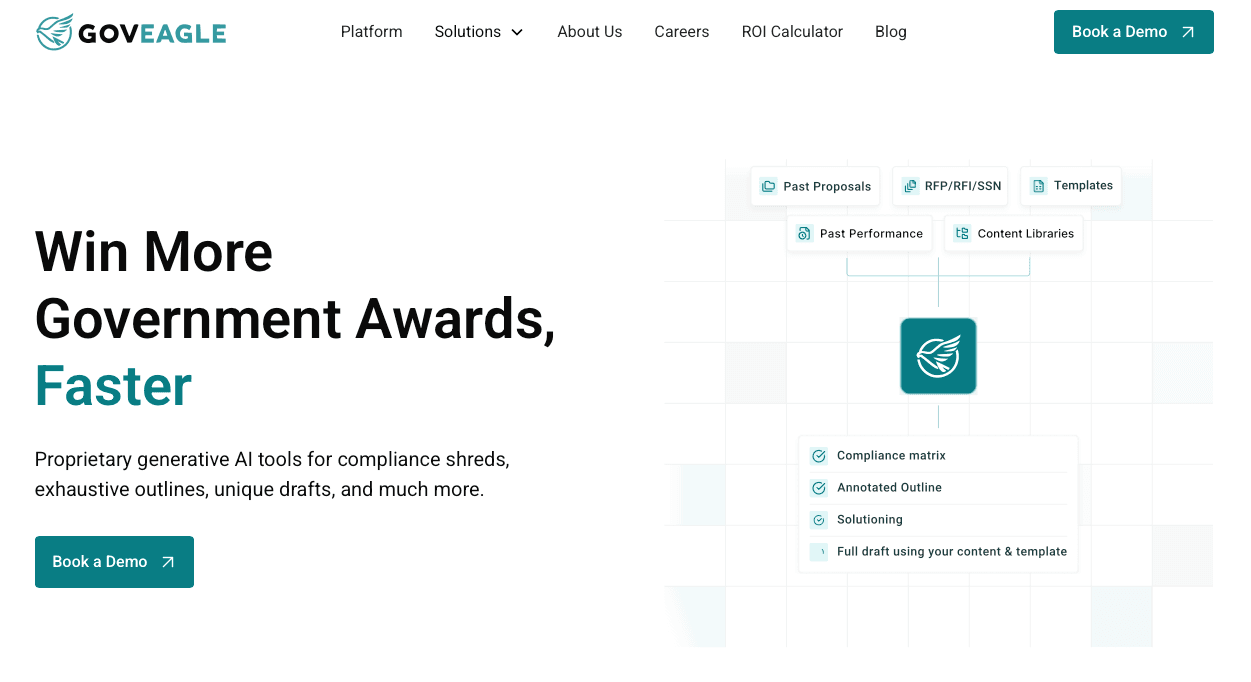
GovEagle is an AI proposal automation suite built for government contractors that operates directly inside Microsoft Word, Excel, and PowerPoint. Teams go live in one week without changing processes or migrating data.
The suite includes Word, Excel, and PowerPoint add-ins that let teams draft, review, and collaborate without leaving familiar tools. Direct SharePoint integration via Microsoft Graph eliminates separate content libraries. GovEagle provides bid/no-bid analysis, capability matrices, gap analysis, teaming partner identification, and color review automation. The suite maintains FedRAMP Moderate Equivalent status with zero data retention policies supporting CUI processing and CMMC compliance.
GovEagle works for mid-sized to large government contractors (50 to 2,000+ employees) requiring full proposal lifecycle management with deep Microsoft integration and enterprise-grade security.
GovDash
GovDash combines opportunity identification with proposal features in an all-in-one web application. The tool includes a Word add-in for basic document editing, task assignment, and opportunity search capabilities bundled with proposal tools.
GovDash lacks Excel and PowerPoint integrations for cost volumes and capture decks. Compliance matrices must be built within their system and cannot match existing templates. GovDash includes capture workflows (pipeline intel gathering and go/no-go support) and teaming partner management; confirm whether RFx change tracking and formal gap analysis are available for your use case.
Rohirrim

Rohirrim is a generalist RFP tool designed for multiple industries beyond government contracting. The application provides AI-powered content generation, organization-specific AI training, and document automation.
Rohirrim lacks Microsoft Office plugins, forcing users to work outside familiar environments. The tool excludes capture modules, gap analysis, teaming partner identification, bid/no-bid tools, and AI-powered color reviews. No graphics creation or RFx change identification exists.
Why GovEagle Is the Best pWin.ai Alternative
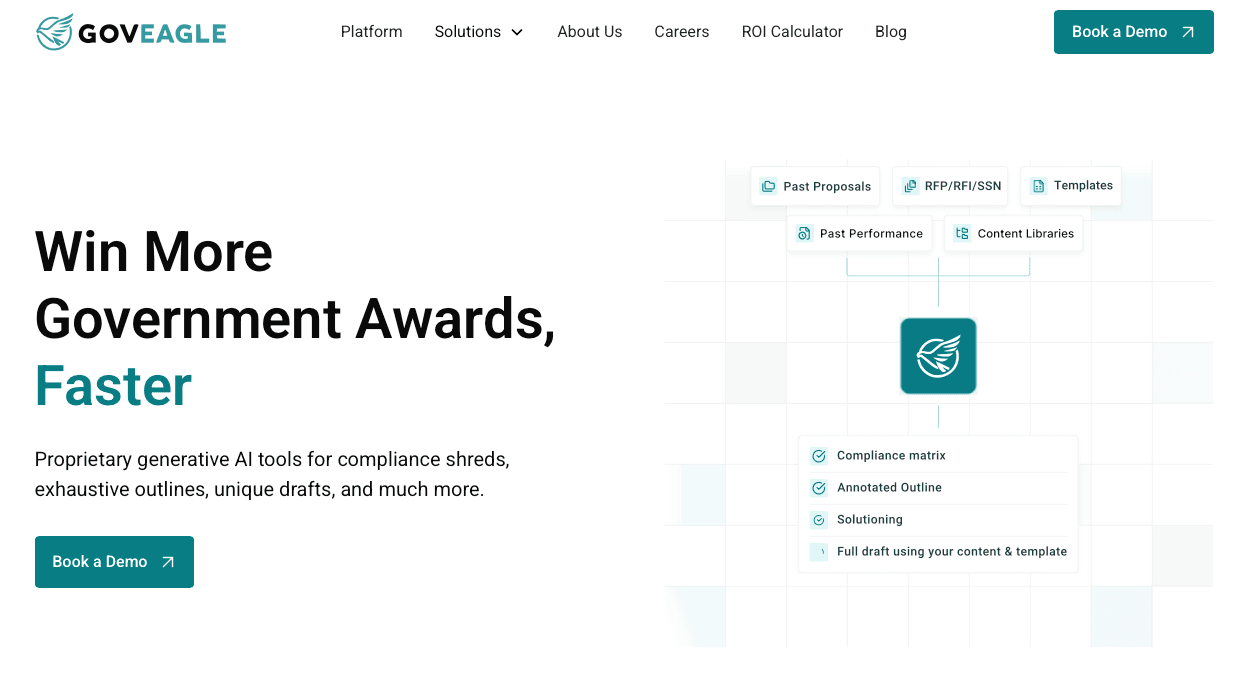
We built GovEagle to fix the Microsoft Word integration problem that makes pWin.ai frustrating for proposal teams. While pWin.ai requires you to copy content back and forth between systems, GovEagle works directly inside Word through a native add-in. You can generate compliant proposal sections, maintain proper formatting, and include win themes without switching applications.
Our AI understands government proposal requirements. We trained our models on government proposal best practices and publicly available evaluation criteria, so the content follows Source Selection Evaluation Board expectations from the start. You get section drafts that include benefits statements tied to evaluation criteria, not generic corporate marketing language that creates rework.
GovEagle runs in AWS GovCloud and offers Azure self-hosted deployment options. This matters when you're working on controlled unclassified information or building proposals for defense contracts with strict data residency rules. You maintain air-gapped environments where required, and we support your path to CMMC 2.0 compliance.
The compliance matrix automation saves your team days of manual work. Our system reads RFP requirements, maps them to your response sections, and tracks coverage gaps in real time. You catch missing mandatory criteria during writing, not during Gold Team review when it's expensive to fix.
FAQs
Why do government contractors look for alternatives to pWin.ai?
Teams typically seek alternatives when they need deep Microsoft Office integration beyond basic web-to-Word exports, require SharePoint connectivity to avoid manual content migration, or need documented FedRAMP Moderate Equivalency for CUI processing. Organizations following non-Shipley proposal frameworks or requiring capture workflows (gap analysis, teaming partner identification) also assess other options.
What features should you focus on when comparing AI proposal tools?
Focus on native Microsoft Office add-ins that let you work inside Word, Excel, and PowerPoint without application switching; direct SharePoint integration via Microsoft Graph to access existing content libraries; end-to-end workflows covering capture through submission; and documented security compliance (FedRAMP Moderate Equivalency, CMMC support) matching your data protection requirements.
When should you consider moving away from a web-only proposal tool?
Switch to native Office integration when your team spends a considerable amount of time copying content between systems, when training new staff takes weeks instead of days due to unfamiliar interfaces, or when you're managing cost volumes and capture decks that require Excel and PowerPoint capabilities your current tool doesn't support.
How long does implementation take for enterprise proposal automation tools?
Implementation timelines vary from one week to several months depending on the tool's architecture. Solutions with native Microsoft Office add-ins and direct SharePoint integration typically go live in one week without data migration, while web-first platforms requiring separate content libraries and rigid tagging structures can take 2-3 months for full adoption.
Can AI proposal tools process controlled unclassified information securely?
Tools with FedRAMP Moderate Equivalency or higher, AWS GovCloud deployment options, and zero data retention policies support CUI processing requirements. Verify the vendor publishes documented compliance status instead of marketing claims, and confirm they offer air-gapped or self-hosted deployment for defense contracts with strict data residency rules.
Final Thoughts on pWin.ai and Its Competitors
Assessing pWin.ai alternatives comes down to how much friction your proposal software introduces into an already demanding process. Web-first tools can generate drafts, but they often slow teams down when real work happens inside Word, Excel, PowerPoint, and SharePoint. GovEagle was built to remove that disconnect by delivering compliance automation and AI-assisted drafting directly inside the Microsoft tools proposal teams already rely on, without new interfaces or content migration. That difference matters when teams are coordinating technical volumes, management responses, cost inputs, and executive reviews under tight deadlines. When federal contractors can produce Pink Team deliverables faster while keeping compliance, collaboration, and security intact across the full pursuit timeline, GovEagle becomes the practical choice for teams focused on winning more government work.