
Best Microsoft Word Add-Ins for Government Proposal Writing (2027)

Akash Mandavilli
CEO and Co-Founder of GovEagle
About the author
Akash is a 2x founder with previous experience in AI from Meta and federal sales from IBM. Akash holds a dual-degree from Johns Hopkins University in Economics and Computer Science.
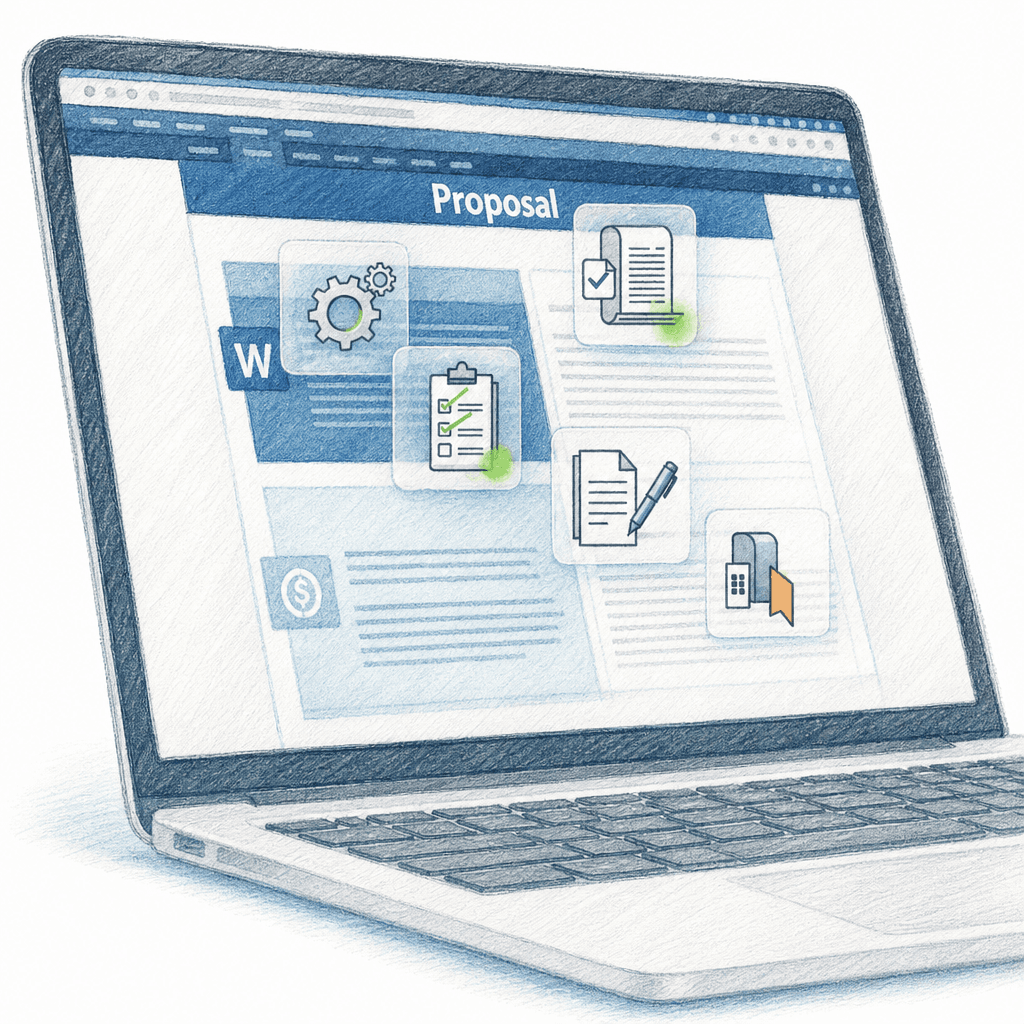
A large federal proposal can carry hundreds of requirements, an annotated outline, and several review rounds on a fixed deadline. For many proposal teams, that work happens in Microsoft Word. Word add-ins built for government proposals bring automated requirement tracking, outline creation, and AI-assisted drafting into Word, so teams can work faster inside the editor they already use.
TLDR:
- Word add-ins automate annotated outlines and requirement tracking inside your editor.
- A few tools work across Word, PowerPoint, and Excel and connect to SharePoint.
- GovEagle is FedRAMP Certified (Moderate). Security status differs by vendor, so check what the FedRAMP Marketplace lists for each one.
- Citation-backed AI shows the source text behind each answer, so reviewers can check it.
- GovEagle covers capture through final reviews, with add-ins for Word, PowerPoint, and Excel.
What Are Microsoft Word Add-Ins for Government Proposal Writing?
Microsoft Word add-ins are software extensions that run inside Word's interface. For government contractors, they add compliance tools to Word so teams keep working the way they do now.
For large solicitations, a proposal add-in can turn days of manual compliance work into hours.
How We Assessed Microsoft Word Add-Ins for Government Proposal Writing
We compared the tools on six factors:
- Native Microsoft Office integration depth: How well tools function within Word, PowerPoint, and Excel without disrupting existing workflows or formatting
- SharePoint and content repository connectivity: Access to past performance and boilerplate content stored in contractor repositories
- Compliance automation: Automated compliance matrix generation and requirement tracking to prevent omissions (see our compliance matrix guide for background)
- Security certifications: FedRAMP, CMMC, and NIST 800-171 alignment, which may be required to handle Controlled Unclassified Information (CUI) and sensitive government data depending on agency and contract type. The terms differ. FedRAMP Certified (formerly Authorized) means FedRAMP has certified the service and lists it in the FedRAMP Marketplace. FedRAMP Ready is a legacy listing for services not yet certified. Equivalency is a vendor's claim that it meets the Moderate baseline without FedRAMP certification, so it won't appear in the Marketplace. Ask the vendor for its third-party assessment. In July 2026 the Department of War suspended CMMC Phase 2, so solicitations are dropping Level 2 (C3PAO) and Level 3 requirements. Level 1 and Level 2 self-assessments can still be required, and DFARS 252.204-7012 still applies.
- AI with citations and traceability: Generated content that links back to source documents instead of producing unverified information
- Microsoft 365 tenant fit: Support for GCC or GCC High tenants if your organization runs Microsoft 365 in one of them
GovEagle

GovEagle provides Word-native proposal automation built for government contractors who need to maintain strict security standards while working in Microsoft Office. The add-in integrates directly into Word, PowerPoint, and Excel, so proposal teams get AI search, compliance checks, and content insertion in the documents they already use.
What GovEagle Offers
- Native Office integration allows teams to draft and collaborate in Word while accessing AI assistance without switching between applications or reformatting documents.
- GovEagle syncs your SharePoint sites and drives into its content library in near real time, without moving your files out of SharePoint. With inherited permissions, document access in GovEagle can follow existing SharePoint permissions (requires Microsoft Entra ID sign-in).
- GovEagle has been FedRAMP Certified (Moderate) since August 2026, and it can handle CUI.
- The Office add-in and SharePoint sync work with Microsoft 365 GCC and GCC High tenants.
- Retrieval-augmented generation (RAG) grounds AI answers in your organization's knowledge base and cites the exact source text, so reviewers can check each claim.
- Full proposal lifecycle coverage from capture analysis and compliance matrices through review automation and quality checks.
- After you add an amendment, you can ask GovEagle to rebuild the compliance matrix and outline.
Word Add-In Capabilities
- Formatting awareness: The add-in reads bold, italic, underlined, struck-through, and colored text, so you can ask "List every sentence in red text" or "Are all the bolded shall statements covered?"
- Native table insertion: Tables GovEagle suggests go in as real Word tables.
- Auto-accept: With Auto-accept on, outlines GovEagle drafts are inserted into the document automatically.
For day-to-day use, see the Word add-in help guide.
Good For
Mid-market and large contractors whose proposal teams write in Word, build compliance matrices in Excel, keep content in SharePoint, and need a FedRAMP Certified (Moderate) tool.
Limitation
Inherited SharePoint permissions require Microsoft Entra ID sign-in, so check your identity setup before rollout.
GovSignals
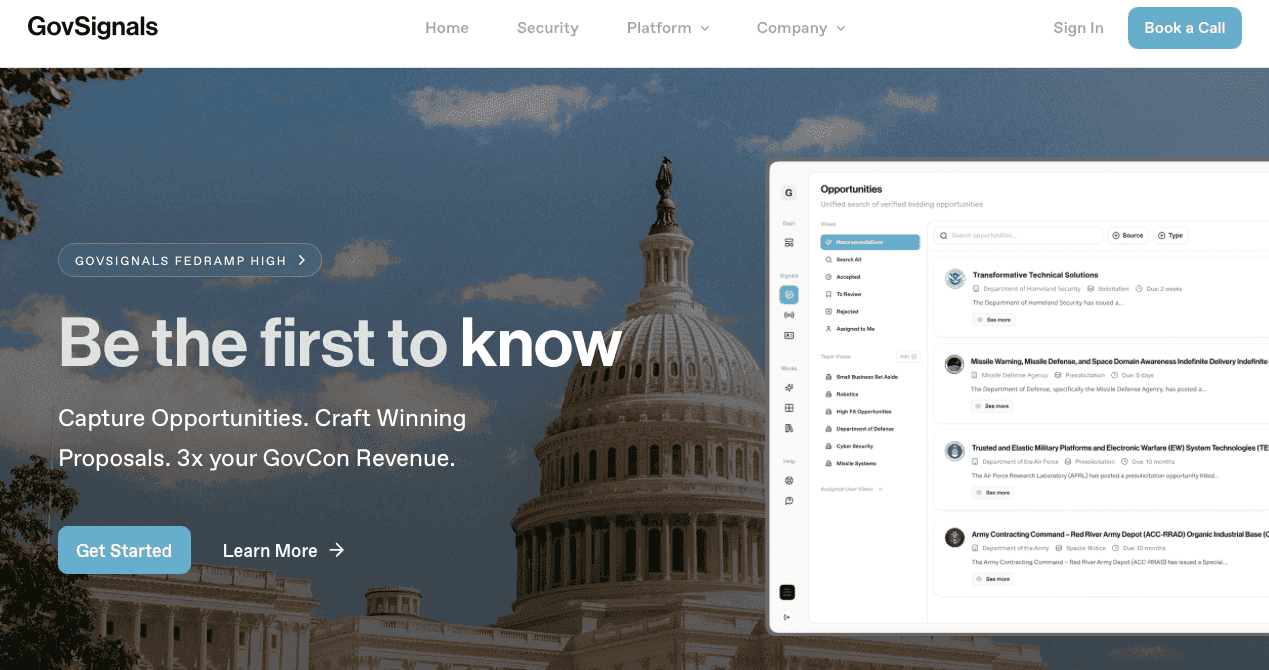
GovSignals combines proposal automation with opportunity discovery for federal contractors.
What They Offer
- Proposal drafts for each volume mapped to Sections L and M, with an L/M compliance matrix
- Opportunity monitoring for federal contractors
- FedRAMP High and DoD IL5, per GovSignals
Good For
Teams that want opportunity intelligence and proposal drafting in one tool, particularly those supporting high-impact federal environments and stricter data-handling requirements.
Limitation
GovSignals' product pages don't describe Word, PowerPoint, or Excel add-ins, so ask about Office support in a demo. See GovEagle vs GovSignals.
Rohirrim

Rohirrim sells UnifiedRespond for government contractors and UnifiedAcquire for agencies.
What They Offer
- UnifiedRespond, which uses retrieval-based AI to pull relevant material from your organization's own archive
- UnifiedAcquire for agencies
- FedRAMP 20x Class A Certified in November 2026, per Rohirrim
Good For
Teams wanting AI that works from their own proposal archive.
Limitation
Rohirrim's public materials center on UnifiedRespond and don't describe Word, PowerPoint, or Excel add-ins. Teams that draft in Word should ask how content moves into their documents. See GovEagle vs Rohirrim.
Get GovCon capture and proposal insights in your inbox.
pWin.ai (Vultron's Successor)
pWin.ai acquired Vultron's customer portfolio in April 2026, and Vultron's site now directs users to pWin.ai.
What They Offer
- A Microsoft Word add-in that shows the source document behind each citation, per pWin.ai
- FedRAMP Moderate Equivalency and CMMC Level 2 alignment, per pWin.ai
Good For
Former Vultron customers moving to its successor.
Limitation
pWin.ai's public materials don't mention PowerPoint or Excel add-ins or a SharePoint integration, so confirm those in a demo. pWin.ai is not listed in the FedRAMP Marketplace as of November 2026.
GovDash

GovDash is an AI-powered business development solution for government contractors. The system helps find opportunities, write proposals, and manage contracts across the full lifecycle.
What They Offer
- Capture, Proposal, and Contract Cloud tools, with the Dash add-in for Word, PowerPoint, and Excel
- Automated compliance matrix generation and RFP shredding
- Opportunity search and bid matching based on past performance
- FedRAMP Moderate Equivalency and FedRAMP Ready, per GovDash, with support for DFARS 252.204-7012 and CMMC Level 2 requirements
- SharePoint folder sync, per GovDash's help docs
Good For
Teams wanting one system for opportunity search, capture, proposals, and contract management.
Limitation
Security teams should check its current FedRAMP Marketplace status. See GovEagle vs GovDash.
Procurement Sciences

Procurement Sciences offers Awarded AI, an AI system for government contracting that covers the full business development lifecycle.
What They Offer
- Opportunity discovery through post-award contract management in one system
- AI-powered opportunity search, bid/no-bid analysis, proposal generation, and compliance verification
- FedRAMP Moderate Authorization, SOC 2 Type 2, and CMMC Level 2 Assessed, per Procurement Sciences
- Contract delivery and execution capabilities
Good For
Organizations wanting a single system spanning opportunity identification through contract delivery.
Limitation
Awarded AI offers an add-in for Word and Excel and a nightly, one-way SharePoint sync. Its public materials don't mention a PowerPoint add-in, so ask how teams build briefings there. See GovEagle vs Procurement Sciences.
Why GovEagle Fits Word-Based Proposal Teams
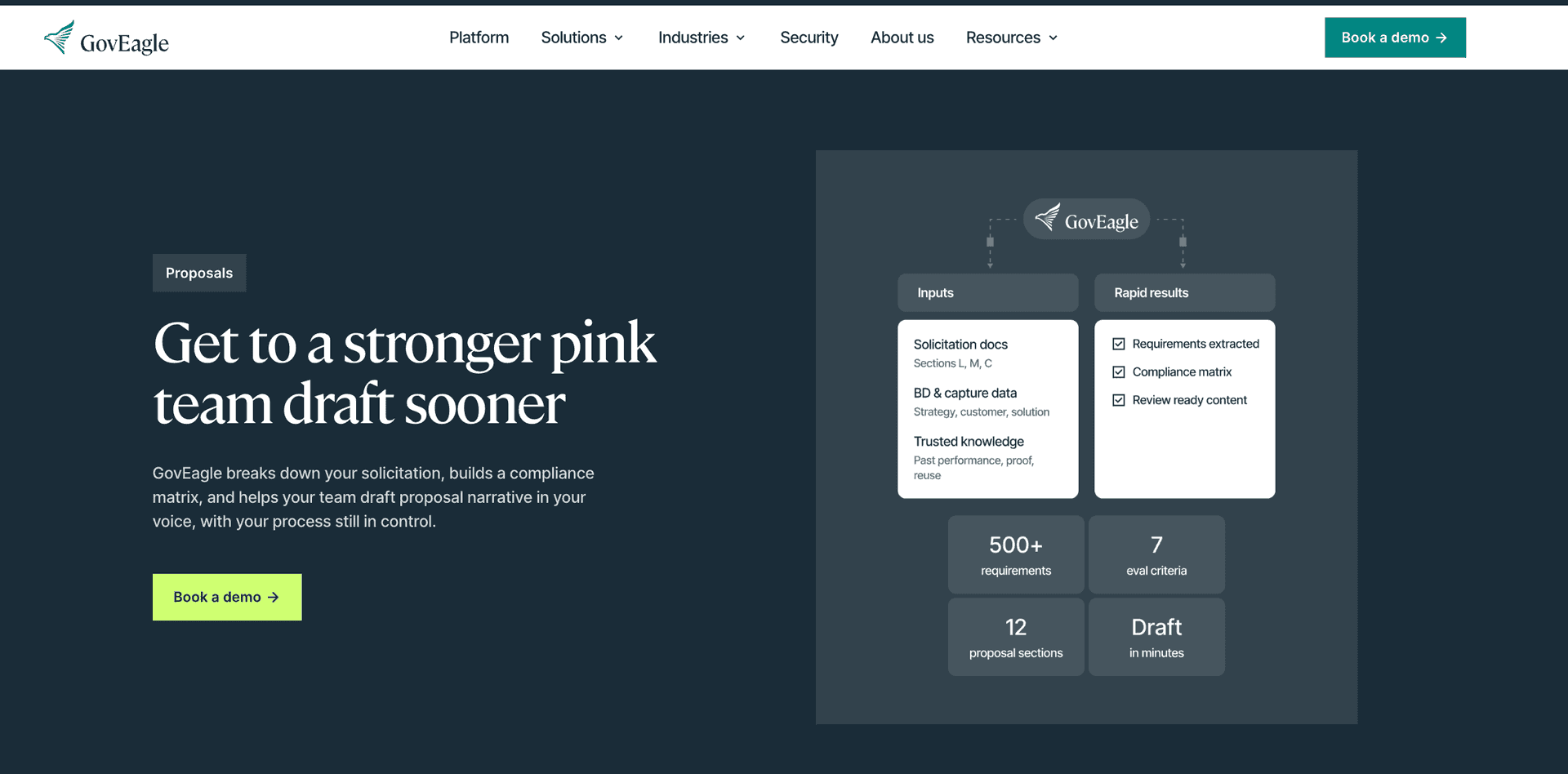
GovEagle works inside Word, PowerPoint, and Excel. It reads formatting such as bold and colored text, builds compliance matrices that can fill your own Excel template, and syncs SharePoint in near real time. With inherited permissions (requires Microsoft Entra ID sign-in), document access can follow existing SharePoint permissions.
GovEagle is FedRAMP Certified (Moderate), can handle CUI, and covers capture through final reviews with purpose-built agents for compliance matrices, requirement tracking, and citation-backed drafting.
When you shortlist tools, check three things: which Office applications have add-ins, what the FedRAMP Marketplace lists for the vendor, and how its SharePoint connection handles permissions. GovEagle has add-ins for Word, PowerPoint, and Excel, is FedRAMP Certified (Moderate), and can follow existing SharePoint permissions.
Feature Comparison of Word Add-Ins for Government Proposals
Based on each vendor's public materials as of November 2026.
| Tool | AI drafting | Word add-in | PowerPoint and Excel add-ins | SharePoint connectivity | Compliance matrix | Security posture (public disclosures) | Formatting awareness and native table insertion | Pricing |
|---|---|---|---|---|---|---|---|---|
| GovEagle | Citation-backed drafts from your knowledge base | Yes | Yes | Near real-time sync; access can follow SharePoint permissions (Microsoft Entra ID) | Generated in Excel from Sections L and M; can fill your own Excel template | FedRAMP Certified (Moderate) | Yes, reads bold, italic, underlined, struck-through, and colored text and inserts native Word tables | Contact GovEagle |
| GovSignals | Drafts for each volume mapped to Sections L and M | Ask the vendor | Ask the vendor | Ask the vendor | L/M compliance matrix | FedRAMP High and DoD IL5, per GovSignals | Ask the vendor | Ask the vendor |
| Rohirrim | UnifiedRespond drafts from your own archive | Not described publicly | Not described publicly | Ask the vendor | Ask the vendor | FedRAMP 20x Class A Certified (November 2026), per Rohirrim | Ask the vendor | Ask the vendor |
| pWin.ai | Drafting in Word with source citations | Yes | Not listed publicly | Not listed publicly | Ask the vendor | FedRAMP Moderate Equivalency, per pWin.ai; not in the FedRAMP Marketplace | Ask the vendor | Ask the vendor |
| GovDash | Proposal writing in its Proposal Cloud | Yes | Yes | Folder sync, per GovDash | Built in its web interface, exports to Excel | FedRAMP Moderate Equivalency and FedRAMP Ready, per GovDash; confirm current status in the FedRAMP Marketplace | Ask the vendor | Ask the vendor |
| Procurement Sciences (Awarded AI) | Proposal generation | Yes | Excel yes; PowerPoint not listed publicly | Nightly one-way sync, per Procurement Sciences | Compliance verification and cross-checks | FedRAMP Moderate Authorization, SOC 2 Type 2, and CMMC Level 2 Assessed, per Procurement Sciences; listed in the FedRAMP Marketplace | Ask the vendor | Ask the vendor |
FAQs
How do I choose the right Microsoft Word add-in for my proposal team?
Start by assessing your security requirements (FedRAMP, CMMC), then assess which Microsoft Office applications your team uses daily. If you work across Word, PowerPoint, and Excel with SharePoint repositories, look into tools with full Office integration.
Which Word add-in works best for mid-market contractors versus large primes?
Mid-market contractors may benefit most from tools offering full proposal lifecycle coverage without requiring dedicated administrators, while large primes should confirm security certifications and support for their Microsoft 365 tenant, including GCC or GCC High if that is where they run Microsoft 365. Both should focus on native Office integration to avoid retraining staff on new interfaces.
Can I use these tools if my content is stored in SharePoint?
GovEagle syncs SharePoint sites and drives into its content library, so teams can use existing content without moving files out of SharePoint. With inherited permissions, document access in GovEagle can follow existing SharePoint permissions (this requires Microsoft Entra ID sign-in). GovDash and Procurement Sciences also publish SharePoint integrations, and other tools vary, so confirm how each one connects and handles permissions. Without a SharePoint connection, teams often copy files into a second library, which can create version control problems and duplicate work.
What's the difference between Word add-ins and standalone proposal tools?
Word add-ins run inside the Microsoft Office setup your team already uses. Web-only tools mean switching to a separate interface, and moving drafts back into Word can add export steps and formatting cleanup.
Do these tools actually reduce proposal development time?
Proposal-specific Word add-ins can cut compliance matrix creation from days to hours and help teams reach a first draft sooner than with manual methods. The time savings come from automated requirement extraction, AI-assisted drafting with citations, and built-in compliance checking that catches gaps before review cycles.
In one documented GovEagle case study, federal IT contractor Precise Software cut early-stage SME time by 80% and reduced proposal development time by at least 50%. Results vary by team and solicitation.
Final Thoughts on Microsoft Office Integration for Proposal Development
If your team writes in Word, builds matrices in Excel, and briefs in PowerPoint, start with tools that work inside all three. Check what the FedRAMP Marketplace lists for each vendor and test the tool on a real RFP before you commit. GovEagle works in Word, PowerPoint, and Excel and connects to SharePoint. Capture teams can also use the Federal Recompete Outlook for research leads on possible recompetes and follow-on contracts. See GovEagle for proposals.