
GovEagle vs. GovDash: A July 2026 Comparison

Akash Mandavilli
CEO and Co-Founder of GovEagle
About the author
Akash is a 2x founder with previous experience in AI from Meta and federal sales from IBM. Akash holds a dual-degree from Johns Hopkins University in Economics and Computer Science.
GovEagle is not affiliated with, sponsored by, certified by, or otherwise associated with Shipley Associates.
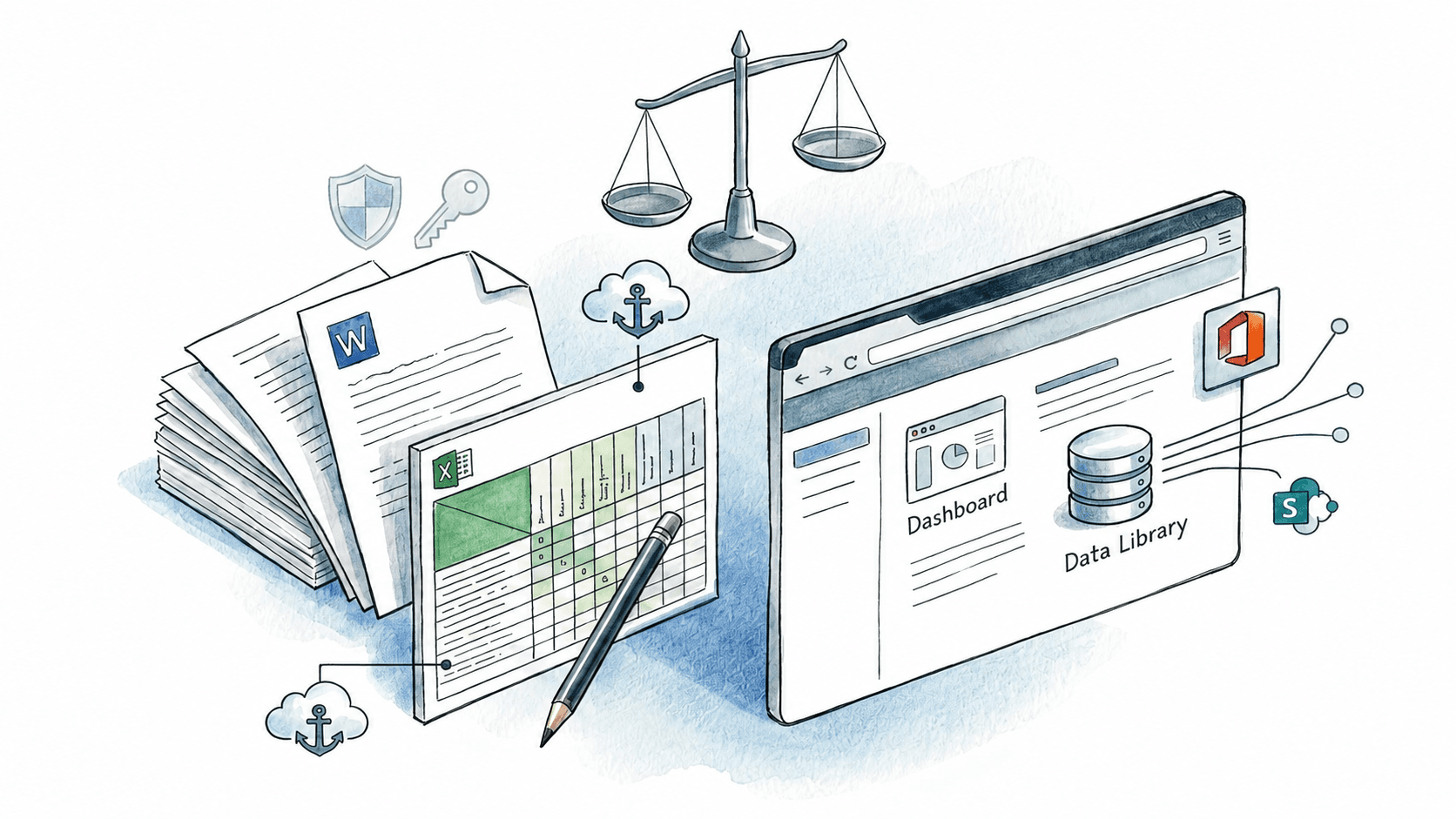
GovEagle vs. GovDash: Which is right for your proposal team? Most contractors already have capture and contract management in place; the real question is whether proposal software should fit that environment or replace it. This comparison breaks down the differences between an Office-native proposal solution and a web-based system so you can decide based on workflow reality, not feature claims.
TLDR:
- The Office-native solution is built around native workflows across Word, Excel, and PowerPoint, while GovDash combines its web platform with Microsoft Office add-ins. Teams should compare how deeply each product supports their specific templates, formatting requirements, and in-document workflows.
- The Office-native solution supports GCC and GCC High environments and can offer AWS GovCloud and air-gapped deployment options. Customers handling classified information or ITAR-controlled data, or operating in a SCIF, should validate the exact deployment architecture and applicable accreditation requirements with the vendor and their security authority.
- Compliance matrices generate directly in Excel with the Office-native solution, preserving your formulas and formatting without rebuilding structure.
- The Office-native solution focuses exclusively on proposal development from capture through submission, integrating with your existing CRM and content systems.
- The Office-native solution connects to existing content repositories, while GovDash provides its own Data Library and also supports connections to external sources such as SharePoint. Teams should compare how each system indexes, synchronizes, governs, and retrieves existing content.
What Is GovDash?
GovDash is an AI-powered proposal tool built for government contractors. See GovDash reviews and pricing for a broader look at how users rate the tool. The software spans from opportunity identification through proposal development and contract management.
Core capabilities include opportunity discovery and capture, pricing, proposal development, compliance support, content and past-performance management, and post-award contract management. Teams collaborate within the web-based workspace to manage proposal workflows.
GovDash states that its Federal environment has completed a FedRAMP Moderate Equivalency assessment and is aligned with applicable NIST SP 800-53 controls. Customers remain responsible for confirming that the specific environment and configuration satisfy their contractual and CUI-handling requirements. Users build their Past Performance Library and develop compliance matrices within the system instead of using external templates.
GovDash targets small to medium government contractors seeking a centralized system for proposal operations. See our breakdown of GovDash pricing and alternatives for a closer look at cost and competitive options.
What Is GovEagle?

We built GovEagle as an AI-driven proposal automation suite for government contractors responding to federal RFPs. The system cuts proposal creation time from weeks to hours by working directly inside Microsoft Word and Excel.
The core workflow starts with automated RFP shredding that generates compliance matrices in Excel within minutes. From there, we create annotated outlines in Word that map every requirement to the appropriate section while surfacing relevant content from your existing libraries. Our AI drafting engine produces requirement-aligned first drafts using authorized past-proposal content and organization-specific writing guidance.
The underlying AI is trained on federal procurement language, RFP structures across Sections C, L, and M, evaluation criteria patterns, and past proposal corpora; it is not repurposed consumer AI adapted for government use. It handles LPTA versus best-value trade-off language, PWS/SOW distinctions, and compliance cross-referencing as native functions, not post-processing additions. That grounding in federal acquisition mechanics is what separates requirement-specific draft output from generic AI text that proposal managers spend hours correcting.
We connect directly to your current content repositories like SharePoint, Box, and Google Drive without requiring data migration. Teams typically go live within a week because we adapt to your existing templates and workflows.
Microsoft Office Integration and Workflow Design
GovDash combines a web-based lifecycle platform with Microsoft Office integrations, including a Word Assistant and documented capabilities in Excel and PowerPoint. GovEagle likewise provides native add-ins across Word, Excel, and PowerPoint, with a stronger stated emphasis on in-document authoring. GovDash manages a large share of workflow and lifecycle activity through its web platform while also providing Microsoft Office integrations. Teams should assess whether its division between web-based management and in-document work matches their preferred process. Teams with heavily customized templates should test each platform's export and template-handling capabilities against their actual files, as the amount of adjustment required can vary by template and workflow.
We designed GovEagle as a native add-in across Word, Excel, and PowerPoint. You access all AI capabilities (content search, compliance checks, drafting assistance) directly inside these applications without switching windows. Task assignments sync within the Word outline itself, so your proposal manager assigns sections to writers in the same document where drafting occurs.
We adapt to your existing Word and Excel templates automatically, preserving your formatting conventions and style requirements without rework. GovDash provides template and export capabilities, while GovEagle focuses on working directly within existing Office templates. The amount of adjustment required should be validated using each team's actual templates.
Our Excel add-on extends beyond proposal teams into finance and program management for ROM calculations, cost volume development, and basis of estimates.
Get GovCon capture and proposal insights in your inbox.
Compliance Matrix Generation and Template Flexibility
GovDash extracts requirements from solicitation documents and builds compliance matrices in its web interface. The tool identifies task areas, instructions, and evaluation factors from RFP sections to create structured requirement tracking.
The friction comes during export. Depending on the template and export workflow, teams may need to adjust column layouts, formulas, or formatting.
GovEagle generates compliance matrices directly in Excel. Our AI identifies requirements within federal government RFPs and creates matrices that work with your existing templates. Export the matrix and apply your company's formatting, conditional logic, and custom formulas without rebuilding the structure.
Your team's matrix workflows remain unchanged. If you track requirements with specific columns or formula conventions, those transfer without modification.
Enterprise Scope and Proposal Lifecycle Coverage
GovDash covers opportunity identification, capture, proposal development, and post-award contract management in one application. Teams consolidating these functions into one system can reduce the number of tools they maintain.
That breadth may appeal to organizations seeking platform consolidation, while teams focused on specialized proposal authoring may prefer a product built more narrowly around proposal workflows.
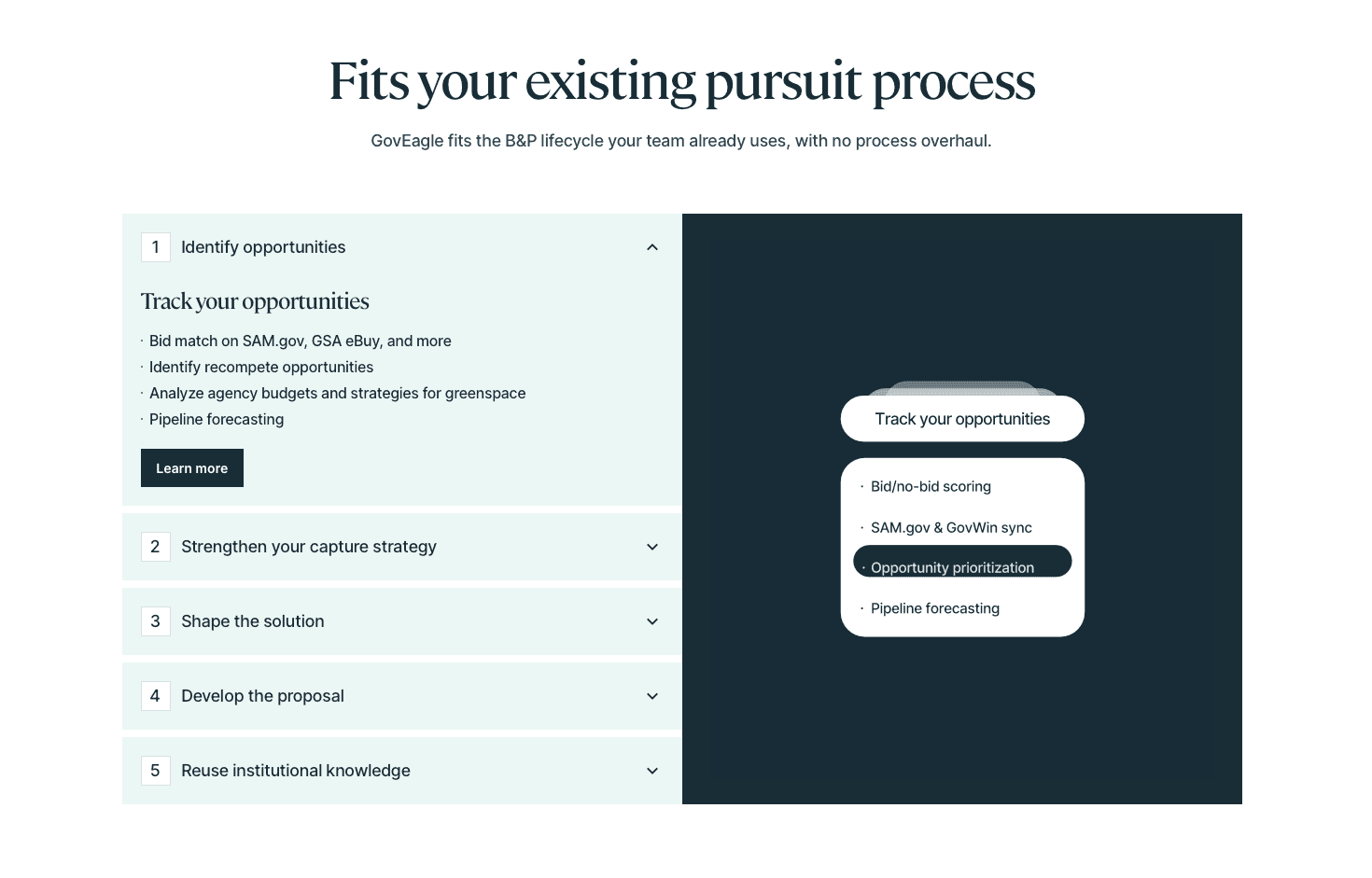
GovEagle handles the proposal lifecycle from capture through submission: bid/no-bid analysis, capture planning, compliance matrices, drafting, color team reviews, and submission prep.
Our integrations with Salesforce, HubSpot, SharePoint, and Box preserve your current business processes. Your CRM continues tracking opportunities. Your content libraries stay where your team already accesses them. Your project management tools keep running.
| Feature | GovEagle | GovDash |
|---|---|---|
| Primary Interface | Native Word, Excel, and PowerPoint add-ins | Web-based platform with Microsoft Office integrations |
| Compliance Matrix Output | Generated directly in Excel; preserves formulas and formatting | Built in the web interface; export compatibility should be tested against your existing Excel templates |
| Template Compatibility | Adapts to existing Word/Excel templates automatically | Supports template and export capabilities; teams with highly customized templates should validate compatibility |
| Security Environments | GCC High, AWS GovCloud, and air-gapped deployment options | FedRAMP Moderate Equivalency |
| Content Library Setup | Connects to existing SharePoint, Box, Google Drive with no migration required | Provides a built-in Past Performance Library and supports connections to external repositories such as SharePoint |
| Lifecycle Coverage | Capture through submission, including bid/no-bid analysis, compliance, drafting, and color-team reviews | Opportunity ID through post-award contract management |
| Time to Go Live | Many teams can go live within one week | Longer setup depending on content migration volume |
| AI Training | Trained on federal procurement language, RFP structures, Sections C, L, and M | AI-assisted drafting within the web workspace |
Why GovEagle Is a Strong Choice for Proposal Teams
GovDash may suit government contractors seeking broad GovCon lifecycle coverage that includes capture, pricing, proposal development, and contract management. Organizations comfortable with web application workflows and standard security requirements may find GovDash meets their needs.
We built GovEagle for contractors serious about winning more contracts with existing resources. The difference comes down to specialization and workflow integration. Our deep Microsoft Office integration removes adoption friction. Your team works in Word and Excel, not web portals. Templates stay intact. Formatting conventions persist without manual adjustment. Security architecture matters for defense contractors. GovEagle offers GCC High support and air-gapped deployment options designed for classified and high-security environments.
Excel-native compliance matrices and template flexibility respect how proposal teams actually work. You control the structure. We generate the content. Our focused approach to proposal excellence delivers specialized capabilities that directly impact win rates. We develop AI that writes better proposals instead of building contract administration features your ERP already handles.
Defense contractors, small businesses, and proposal consultancies use GovEagle across capture and proposal-development workflows. Precise Software cut SME time on early-stage proposals by 80%, and Integrity Defense Solutions (IDS) achieved 3-4 times faster throughput using its existing team. Most teams go live within a week.
FAQs
How should I decide between GovEagle and GovDash for my proposal team?
Consider where your team works and what security and data-handling requirements apply. If your proposal managers and writers work primarily in Microsoft Office and require GCC High compatibility or a customer-approved air-gapped deployment, GovEagle may fit your workflow. Classified use requires separate validation of the environment, authorization, and program-specific security requirements. If you prefer web-based collaboration and need broader GovCon lifecycle management beyond proposals, GovDash may work better.
What's the main difference in how these tools handle compliance matrices?
GovDash builds compliance matrices in its web interface. Teams with highly customized Excel templates should test how exported matrices align with their existing workflows. GovEagle generates matrices directly in Excel using your existing template structure, preserving your columns, formulas, and formatting conventions without rework.
Which tool is better for defense contractors working with classified information?
GovEagle supports GCC High environments and air-gapped deployment options designed for organizations operating in classified or SCIF environments. GovDash positions its Federal environment around FedRAMP Moderate Equivalency expectations, which is a fit for many CUI-focused federal workflows. For classified or air-gapped requirements, GovEagle offers deployment options designed for those environments.
Can I use my existing Word and Excel templates without rebuilding them?
Yes, with GovEagle. We adapt to your current templates automatically and preserve all formatting, styles, and conventions. GovDash can match templates but typically requires adjustment work after export to align with your company's standards.
How long does it take to get either system running with my team?
GovEagle connects to your existing SharePoint, Box, or Google Drive repositories without data migration, allowing most teams to go live within a week. GovDash focuses on building and managing a Past Performance Library within its tool and configuring web-based workflows, which extends the setup timeline depending on how much content you need to migrate.
Final Thoughts on Selecting Proposal Automation Software
The right choice of GovEagle vs. GovDash comes down to where your team works and what security your work demands. If your process runs in Microsoft Office and involves CUI, ITAR, or classified environments, GovEagle is the purpose-built choice. If you want a single web-based system covering the full GovCon lifecycle from opportunity tracking through contract administration, GovDash may better fit that scope. The right tool is the one your proposal team will actually use.