
SharePoint User Experience Best Practices & Design Tips for September 2026
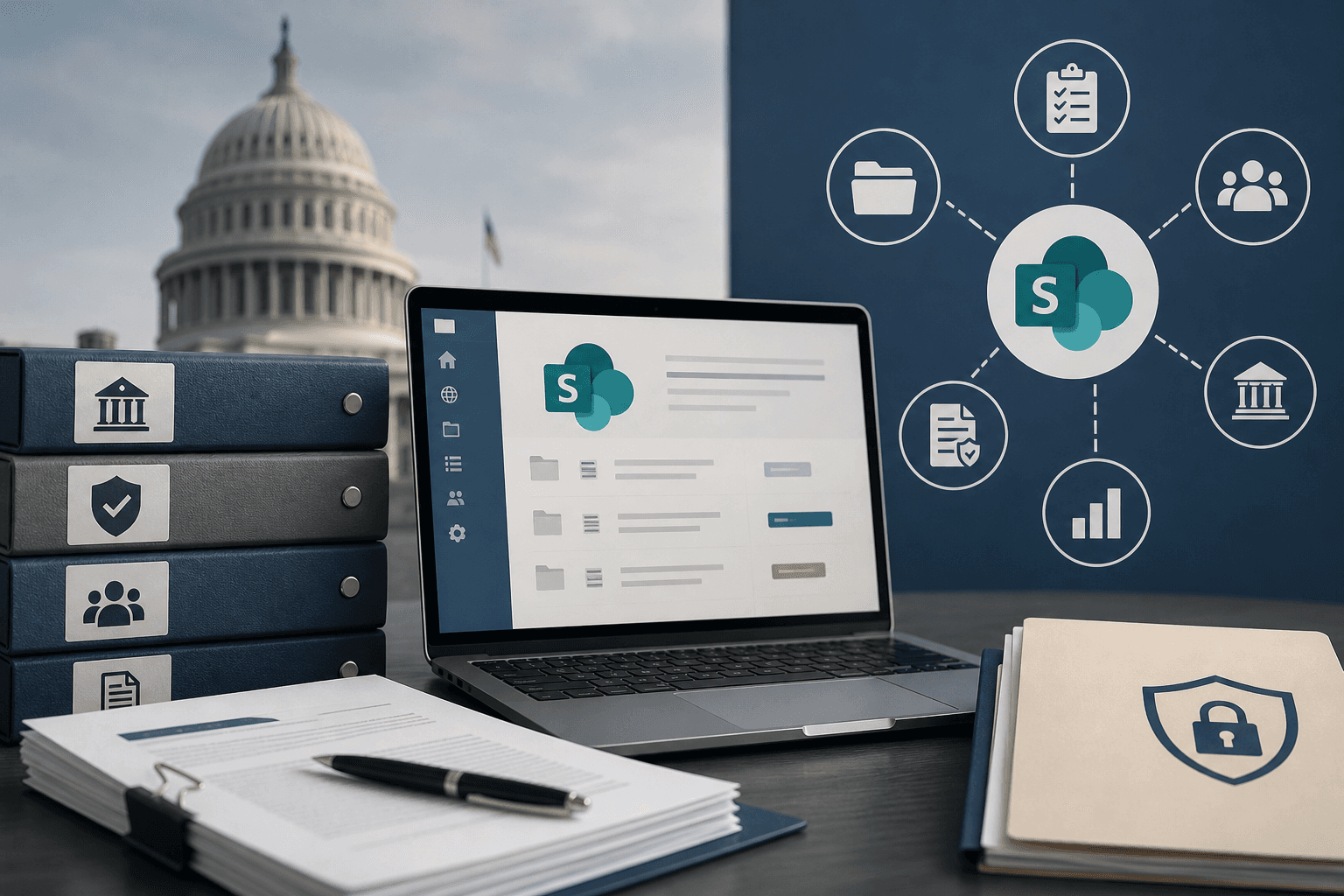
Most SharePoint Online environments mirror the org chart, which works fine until your proposal team is three days from deadline and can't locate last year's compliance matrix. The SharePoint user experience your capture and proposal teams deal with daily directly shapes how fast they find past performance records, collaborate on drafts, and respond to tight deadlines. With 60% of SharePoint installations now cloud-hosted and SharePoint Server 2016 and 2019 end of support approaching in 2026, the window to fix your information architecture is closing.
TLDR:
- SharePoint 2016 and 2019 support ends July 14, 2026, requiring a move to SharePoint Online or a supported SharePoint Server version to reduce security risks with CUI.
- Hub site models with metadata tagging outperform nested folders for finding proposal content fast.
- Apply CUI labels at document level and set retention policies through Microsoft Purview for audit readiness.
- Strong governance frameworks and role-based navigation drive real SharePoint adoption among capture and proposal teams.
- Purpose-built AI tools that work inside SharePoint Online bring AI-assisted proposal development into your existing environment without migration or retraining.
Understanding SharePoint User Experience for Government Contractors
For government contractors, SharePoint is more than a file storage system. It's where proposals take shape, compliance documentation lives, and teams coordinate on time-sensitive bids. How users experience SharePoint directly affects how quickly capture managers find past performance records, how cleanly proposal teams collaborate on drafts, and how well institutional knowledge survives contract transitions.
That relevance keeps growing. 60% of all SharePoint installations now run on SharePoint Online, meaning the shift toward cloud-hosted environments is well underway across the GovCon sector. Getting the user experience right in that environment matters more than most organizations admit.
SharePoint Classic End of Life Deadlines
Two hard deadlines now sit on the calendar for any GovCon team still running on-premises or legacy SharePoint builds. Support for both SharePoint 2016 and SharePoint 2019 ends July 14, 2026. Separately, Microsoft is retiring the SharePoint Add-In app model in April 2026, meaning SharePoint Add-Ins will stop working in Microsoft 365 on April 2, 2026.
For contractors, these deadlines carry real weight. Workflows tied to legacy add-ins such as automated routing, compliance tracking, and document approval chains can break without a replacement plan. Teams on expired versions also lose Microsoft security patches, which creates direct risk when handling CUI. The migration runway is shorter than it looks.
Information Architecture That Supports Proposal Development
Most SharePoint environments mirror the org chart. BD gets a site, Contracts gets a site, and Program Management gets a site. Nobody thinks about cross-functional proposal access until a deadline is three days out and the team can't find last year's DHS past performance write-up.
A hub site model solves this by organizing content around bid types or contract vehicles, letting teams search across connected sites in one pass. Flat library structures with strong metadata tagging consistently outperform deeply nested folder systems for this use case. When you can filter by agency, NAICS code, or contract type, surfacing the right content takes seconds instead of six folder levels of clicking. Microsoft's information architecture guidance for SharePoint reinforces this principle: organize around how users interact with content to get work done, not around departmental boundaries.
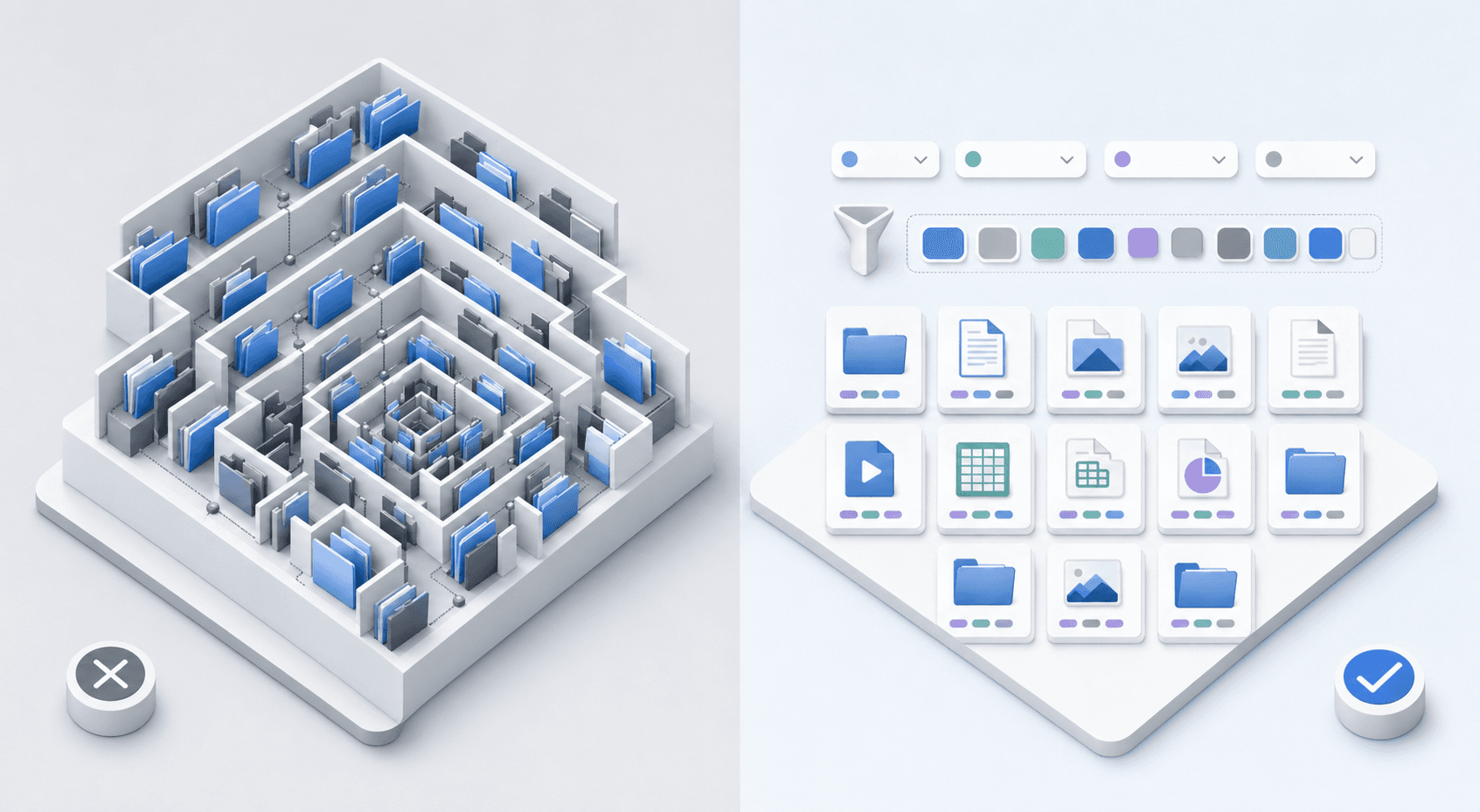
| Criteria | Nested Folder Structure | Hub Site + Metadata Model |
|---|---|---|
| Past Performance Retrieval | Writers click through 6+ folder levels to find prior agency write-ups, losing time during tight turnarounds. | Filter by agency, NAICS code, or contract type to surface the right record in seconds. |
| CUI Compliance | Folder-level labeling can create gaps when files are moved or shared if document-level controls are not in place. | Document-level metadata labels are more reliable when files are moved or shared across sites. |
| Cross-Team Access | BD, Contracts, and Program Management each sit in separate silos with no shared search path. | Connected sites are searchable in one pass across all bid types and contract vehicles. |
| Audit Readiness | Document timelines must be reconstructed manually when auditors request records. | Versioning controls and Purview retention policies auto-track edit history and disposition schedules. |
| Knowledge Management at Scale | Content gets buried as site count grows and taxonomy drifts across staff transitions. | Consistent taxonomy keeps institutional knowledge accessible and searchable as teams change. |
| AI Tool Integration | Folder paths limit what AI tools can query, reducing the accuracy of content recommendations. | Metadata tags help AI tools apply structured filters to surface relevant content more accurately. |
Designing Navigation for Compliance-Heavy Environments
Navigation design in SharePoint starts with one question: who needs what, and how fast? Hub navigation handles cross-functional access, surfacing shared resources like compliance templates and contract vehicles across all connected sites. Site navigation handles the department-specific layer, keeping BD capture notes cleanly separated from IT or finance documentation.
Mega menus help when your team tracks more than a handful of resource types. Audience targeting goes further by showing only the links relevant to each user's role. A proposal manager hunting for Section L requirements under a 72-hour deadline does not need finance report links or IT ticketing portals cluttering the view.
Clear, descriptive labels carry more weight than most teams expect. "2025 IDIQ Templates" beats "Resources" every single time. When navigation reflects how your team actually thinks about proposal work, adoption follows without a fight.
Document Management Best Practices for CUI and Sensitive Data
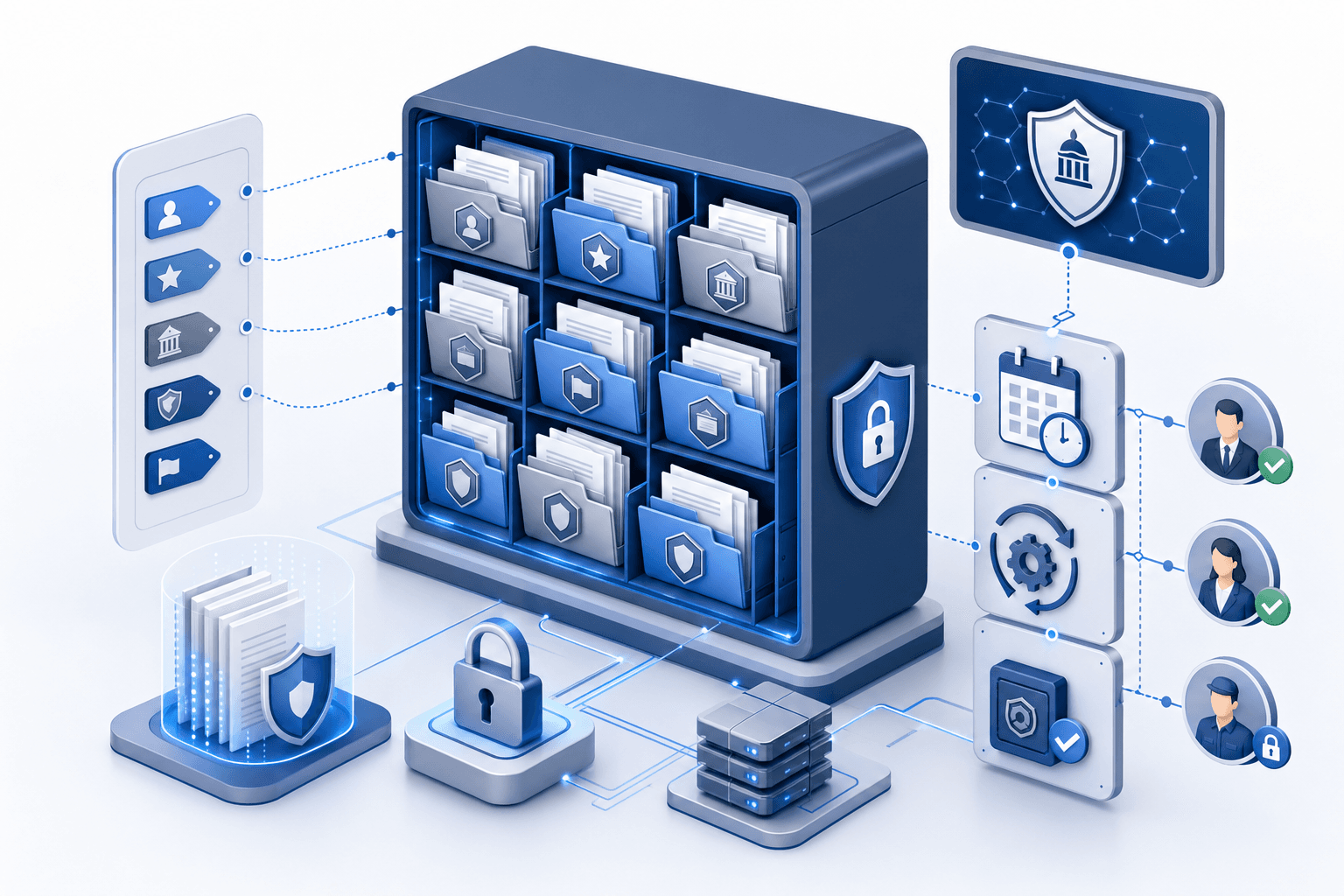
Controlled Unclassified Information (CUI) requires more than access controls. How you organize, label, and govern documents in SharePoint directly affects your compliance posture and audit readiness.
A few practices that matter most for GovCon teams:
- Apply CUI designation labels at the document level using SharePoint metadata beyond folder names, so records remain identifiable regardless of where files are moved or shared, in line with NIST SP 800-171 requirements for protecting CUI in nonfederal systems.
- Set retention policies through Microsoft Purview to automate disposition schedules aligned with NARA guidelines, reducing manual oversight burden.
- Restrict external sharing at the site collection level and audit sharing activity regularly using the SharePoint admin center's access reports.
- Use versioning controls to maintain a complete edit history, which supports both internal reviews and external audits without reconstructing document timelines manually.
Overcoming SharePoint Adoption Challenges in GovCon Teams
Many GovCon teams deploy SharePoint without first defining what specific business problem it needs to solve, and the result is a portal nobody uses. Proposal writers default to email attachments, capture managers keep notes in personal folders, and the shared environment becomes a graveyard of outdated boilerplate.
For GovCon teams, three things consistently separate successful rollouts from abandoned portals:
- Define governance before go-live: who owns content, who approves structural changes, and how stale documents get removed.
- Tie training to real workflows, not generic feature tours. Show how to search past performance, not how to build a list from scratch.
- Track adoption metrics from day one instead of assuming deployment equals usage.
A governance framework doesn't need to be elaborate. It just needs to answer the basic questions before someone has to ask them mid-pursuit.
Integrating SharePoint with Your Proposal Workflow
Proposal teams rarely live in one tool. Drafting happens in Word, cost builds land in Excel, and past performance records often sit across SharePoint and other internal repositories or legacy file systems. Constant context switching during a live pursuit slows response time and increases risk of using outdated or non-compliant content.
SharePoint's connectors with Teams and OneDrive handle the Microsoft stack well. For external repositories, integration quality varies more. The practical goal in either case is keeping writers inside their document without hunting across systems mid-pursuit.
Optimizing SharePoint for Knowledge Management at Scale
As GovCon teams accumulate years of proposal artifacts and contract data, effective knowledge management depends less on storage and more on structure. Government contracting teams often accumulate years of proposal artifacts and records across dozens of sites with no consistent taxonomy.
A few principles that hold up in practice:
- Organize content around how people search, not how departments are organized. BD teams look for contract vehicles, not org charts.
- Use metadata over folders. Folders bury content; metadata surfaces it through filtered views and search refiners.
- Limit site proliferation. Each new site adds governance overhead that compounds over time.
Consistent information architecture reduces retrieval time and keeps institutional knowledge accessible across staff transitions.
How AI-Powered Tools Enhance SharePoint User Experience for Proposals
AI tools purpose-built for GovCon proposal teams are changing how teams surface compliant past performance, approved boilerplate, and solicitation-aligned content. When your content library lives in SharePoint Online, AI can surface relevant past performance write-ups, compliance language, and reusable sections without manual folder searches.
For GovCon teams, the result is faster response cycles. AI can analyze SharePoint repositories and recommend content based on solicitation requirements, cutting the time writers spend hunting for approved boilerplate.
The result is a tighter feedback loop between capture strategy and proposal execution, with SharePoint serving as the structured backbone that AI queries against.
GovEagle: Purpose-Built AI That Works Inside Your SharePoint Environment
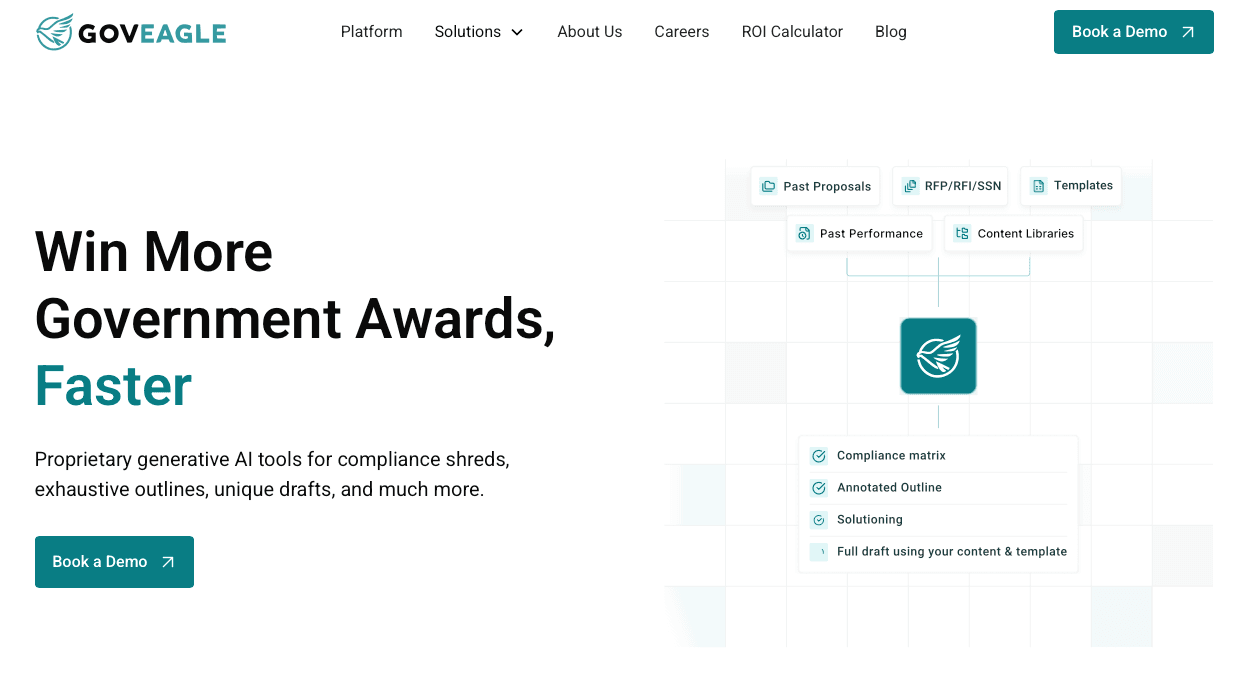
GovEagle is built for government contractors who already live inside Microsoft 365. Instead of forcing teams to adopt a separate tool with its own login, file system, and learning curve, GovEagle works directly within your existing SharePoint Online environment.
For Proposal Managers and Capture Managers, your RFP documents, compliance matrices, and win themes stay where your team already works. There is no migration, no parallel system to maintain, and no retraining required.
GovEagle brings AI-assisted proposal development into the SharePoint experience your team already knows, keeping your workflow intact and your data inside your Microsoft 365 environment configured to meet FedRAMP requirements.
FAQs
SharePoint Classic vs. Modern: What should I do before the 2026 deadline?
Migrate to SharePoint Online before July 14, 2026, when support for SharePoint 2016 and 2019 ends. Teams still using legacy add-ins need replacement solutions before the April 2026 app model retirement to avoid broken compliance tracking and approval workflows.
What's the fastest way to find past performance content in SharePoint during a tight proposal deadline?
Use metadata filters instead of folder navigation. Tag documents by agency, NAICS code, and contract type so you can surface the right content in seconds without clicking through six levels of nested folders.
Can I use SharePoint for CUI without setting up a completely separate system?
Yes. Apply CUI designation labels at the document level using SharePoint metadata, set retention policies through Microsoft Purview, and restrict external sharing at the site collection level, all within your existing SharePoint Online tenant.
How do I get my capture team to actually use SharePoint instead of email attachments?
Tie training to real workflows, not generic feature tours. Show capture managers how to search past performance and filter by contract vehicle during live pursuits, then track adoption metrics from day one to identify gaps before they become habits.
What's the best way to organize SharePoint when your team works across multiple repositories?
Connect SharePoint with your existing internal repositories and legacy content systems through native connectors and organize content around how people search, by bid type or contract vehicle, not by department structure.
Final Thoughts on Optimizing SharePoint for Government Contracting Teams
The quality of your SharePoint user experience directly affects how many proposals your team can handle without adding headcount. Teams that build strong information architecture, clear governance, and smart AI integration respond faster and maintain better institutional knowledge across staff transitions. Your SharePoint setup should work the way your capture managers think, not force them to adapt to how IT organized folders three years ago. Check out a demo if you want to see how GovEagle brings AI-assisted proposal development into your existing SharePoint workflow.