
Federal Pipeline Tracking Beyond SAM.gov

Akash Mandavilli
CEO and Co-Founder of GovEagle
About the author
Akash is a 2x founder with previous experience in AI from Meta and federal sales from IBM. Akash holds a dual-degree from Johns Hopkins University in Economics and Computer Science.
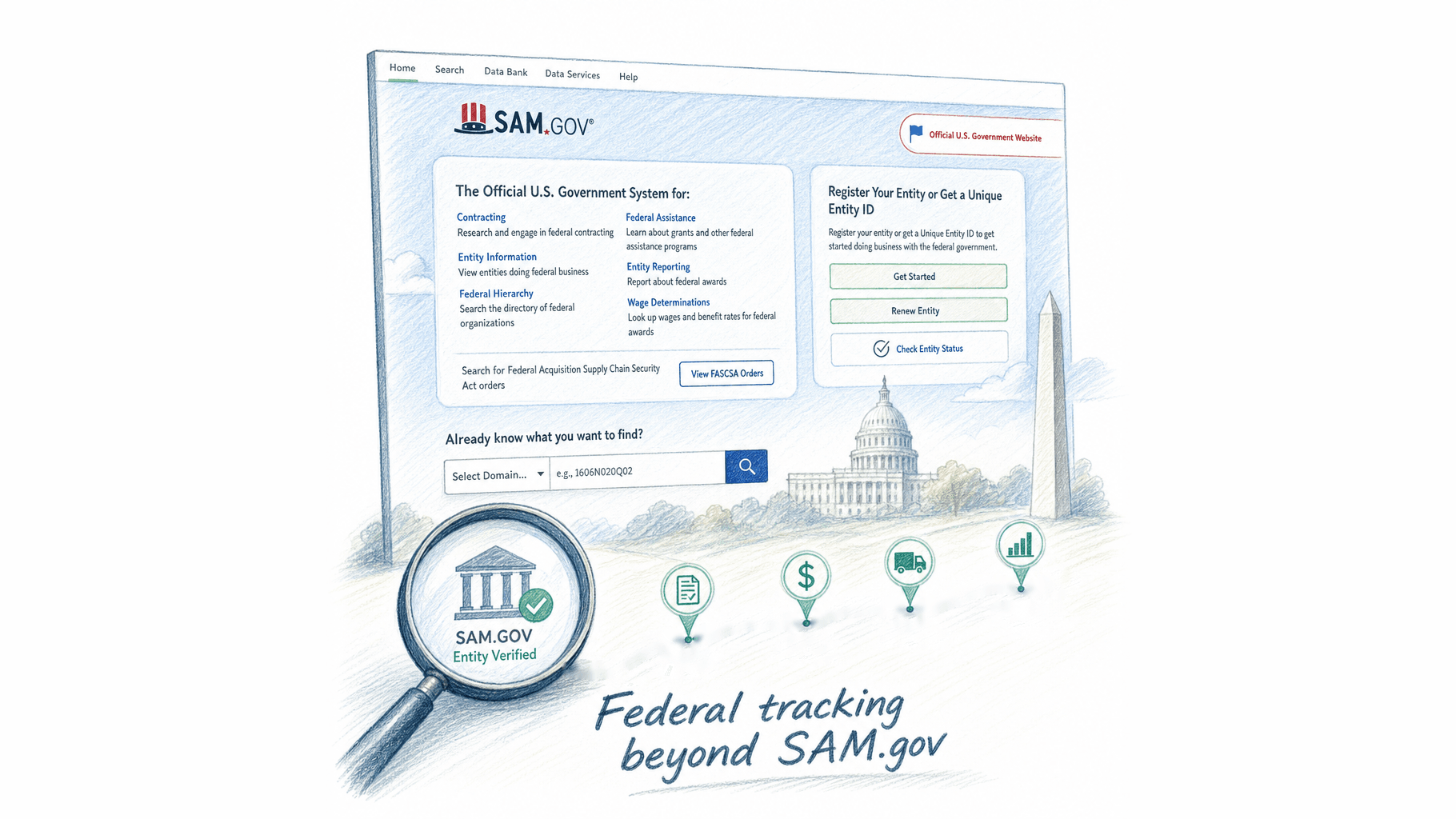
Incumbents win roughly 70 to 80 percent of federal recompetes not because their proposals are better, but because they started working the opportunity months before a solicitation appeared. If your tracking starts when a solicitation hits SAM.gov, you are already behind. This article lays out a multi-source pipeline approach built around closing that gap.
TLDR:
- SAM.gov shows open solicitations; by the time one posts, incumbents have often already shaped requirements
- Agency forecast pages surface opportunities 6-12 months out; Sources Sought notices typically appear 60-120 days before an RFP drops
- FPDS and USASpending expose period of performance end dates, giving BD teams recompete intelligence 18-24 months ahead of a SAM.gov posting
- Incumbents win roughly 70-80% of federal recompetes, so challengers who engage before solicitation release account for most of the remaining competitive share
- GovEagle connects opportunity monitoring to bid/no-bid, black hat, and price-to-win workflows so pipeline intelligence flows into capture without re-entry
Why SAM.gov Alone Is Not Enough
SAM.gov is the official clearinghouse for federal contract opportunities, and every serious BD team uses it. The problem is that by the time a solicitation appears there, the acquisition strategy is already set. Agencies have often briefed incumbents, shaped requirements around known capabilities, and selected evaluation criteria that favor relationships built months earlier.
NAICS-only filtering compounds this. Opportunities that cross capability boundaries or use adjacent codes get missed entirely, and there is no native way to track pre-solicitation activity, agency forecasts, or expiring contracts that haven't yet triggered a new posting. SAM.gov shows you what is open. It does not show you what is coming. For resource-constrained BD teams, the cost of that blind spot is compounded by the manual effort required to patch it. Precise Software, a federal IT services firm, cut SME time on early-stage proposals by 80% once they moved pipeline intelligence into a structured workflow instead of managing it ad hoc.
The Federal Opportunity Lifecycle and When to Engage
Federal acquisitions follow a predictable sequence, and each stage carries intelligence you can act on.
| Stage | What Exists | Why It Matters |
|---|---|---|
| Market Research | Agency forecasts, RFIs, Sources Sought | Shape requirements before they're written |
| Pre-Solicitation | Draft PWS, industry days, Q&A | Influence acquisition strategy |
| Draft RFP | Proposed Section L/M, evaluation criteria | Validate assumptions, submit comments |
| Final RFP | Full solicitation | Proposal execution begins |
| Award | Contract record in FPDS | Incumbent identified for recompete tracking |
| Recompete | Expiring contract window | Re-enter the cycle with incumbency data |
Most BD teams show up at the final RFP stage. By then, the incumbent has already briefed the contracting officer, the PWS reflects their delivery model, and the evaluation criteria are set. The Acquisition Gateway Forecast Tool publishes planned procurements across agencies so contractors can engage earlier. PWin compounds the earlier you enter, not because proposals get better, but because relationships, intelligence, and positioning accumulate over time.
Where Federal Agencies Publish Pre-Solicitation Intelligence
Agencies broadcast acquisition intent well before a solicitation reaches SAM.gov, across several channels with varying lead times.
- Agency procurement forecasts on acquisition.gov publish planned requirements 6-12 months out, organized by agency. Data quality varies: some entries include estimated value and competition type; others list only a description and a point of contact.
- Sources Sought and RFI notices on SAM.gov signal active market research, typically 60-120 days before an RFP drops. Responding positions you for pre-solicitation conversations.
- The GSA Acquisition Gateway Forecast Tool aggregates planned procurements government-wide and flags expiring contracts, giving BD teams an earlier look at recompete windows.
- Individual agency OSDBU forecast pages often include small business set-aside designations and anticipated award dates that appear nowhere else.
The practical hierarchy: agency forecast pages for long-range pipeline, Sources Sought for near-term engagement, and OSDBU pages for set-aside intelligence. For a deeper look at unifying these signals, see our guide on GovCon opportunity tracking and capture intelligence. Each gives you earlier entry than waiting for the final RFP.
How to Use FPDS and USASpending to Track Expiring Contracts
Both FPDS and USASpending.gov expose contract award records including period of performance end dates, giving BD teams a direct path to recompete intelligence before anything surfaces on SAM.gov. Search by agency, NAICS, set-aside type, and contract value to isolate contracts worth pursuing, then flag anything within an 18 to 24 month expiration window and build a watch list you revisit monthly.
The math makes this worthwhile. Incumbents win roughly 70 to 80 percent of federal recompetes on average, which means challengers who engage before a solicitation drops are competing for most of the remaining wins. Waiting for a recompete to post on SAM.gov forfeits that window entirely.
How to Build a Multi-Source Federal Pipeline Tracker
A credible pipeline pulls from multiple sources simultaneously, with each layer serving a different stage of the pursuit cycle:
- Agency forecasts and OSDBU pages feed long-range pipeline (6 to 12 months out)
- Sources Sought and RFI notices feed near-term qualification (60 to 120 days)
- FPDS expiring contract data feeds recompete tracking (18 to 24 month windows)
- SAM.gov solicitations feed active pursuit
For each opportunity, maintain at minimum: agency, NAICS, set-aside type, incumbent, period of performance end date, estimated value, probability of win score, and next action date. Refresh forecast and FPDS layers monthly; SAM.gov and Sources Sought weekly.
Tier opportunities by PWin factor scoring before they consume capture resources. A tracker full of unscored entries is just a list.
How to Set Up SAM.gov Saved Searches and Alerts Effectively
SAM.gov's saved search and follow functions work well when configured precisely. Most teams set them up once, broadly, and then either mute the noise or miss what matters.
Start narrow on keywords. A single broad keyword string returns hundreds of loosely related notices. Build separate saved searches by NAICS code, agency, and notice type instead. A search scoped to a specific agency, your primary NAICS, and "Presolicitation" notices will surface far more actionable signals than one pulling every keyword match across all agencies.
A few configuration habits worth building:
- Run searches across adjacent NAICS codes beyond your primary. Agencies frequently miscategorize, and opportunities with overlapping requirements land in neighboring codes.
- Filter by set-aside type separately. A small business set-aside search layered onto an agency-NAICS filter narrows the field to genuinely pursuable work.
- Include award notices. Teams routinely ignore these, but award records identify the incumbent and contract value for every recompete worth tracking.
- Use the "Follow" function on specific opportunities once they qualify. You receive amendments, Q&A releases, and timeline changes without re-running searches manually.
The failure mode is combining all criteria into one search and filtering nothing. You get volume, not intelligence.
Get GovCon capture and proposal insights in your inbox.
How to Track Competitors and Incumbents on Federal Contracts
FPDS and USASpending let you search by company name or UEI to pull a competitor's full award history: agencies, NAICS codes, contract values, and period of performance dates. Run this on any firm you expect to see on a recompete and you get a clear picture of where they're entrenched, which set-aside categories they hold, and how recently they've won in a given agency.
A few targeted queries worth running regularly:
- Search a competitor's UEI filtered by agency to see depth of relationship with a specific customer
- Filter by NAICS and set-aside type to identify where they hold small business designations you may be competing against
- Pull their period of performance end dates to map their recompete exposure over the next 24 months
On SAM.gov, the Interested Vendors List on active solicitations shows which firms have formally registered interest. It won't capture every competitor, but it signals competitive density early and flags whether incumbents are publicly engaged on a recompete. A short list may indicate a restricted field; a long one warrants a harder PWin look before committing capture resources.
How AI-Powered Opportunity Monitoring Changes the Tracking Workflow
Managing multiple active pursuits manually means someone on your team is checking SAM.gov daily, cross-referencing FPDS exports, and hoping no amendment slips through over a long weekend. That process holds together until you have eight pursuits running simultaneously and a proposal due Friday.
AI-assisted monitoring changes the working model in a few concrete ways:
- Continuous amendment and Q&A tracking on followed opportunities, with alerts pushed when solicitation documents change instead of requiring a manual re-check
- Relevance scoring against your capability profile, so new notices are pre-filtered by fit before they reach a BD review meeting
- Pipeline aggregation across SAM.gov, agency forecast pages, and FPDS expiring contract data, pulled into a single view instead of spread across separate spreadsheets
- Automated flagging when a tracked contract's period of performance is approaching expiration, giving capture leads time to engage before the recompete posts
For a team carrying a dozen active pursuits, the recovered capacity goes toward actual capture work: agency engagement, competitive analysis, and bid/no-bid decisions on the opportunities that surface.
How to Qualify Opportunities Before They Enter Your Pipeline
A pipeline full of unqualified entries drains capacity from pursuits you can actually win. Before any opportunity enters formal tracking (a process covered in depth in our GovCon capture management software guide), run it through a short screen:
- Does your past performance map to the PWS or SOW task areas?
- Does your business size and set-aside status align with the anticipated competition type?
- Is the NAICS code one where you hold relevant contract history?
- How entrenched is the incumbent, and do you have an agency relationship that offsets that?
- Does the contract value support the bid-and-proposal cost?
If an opportunity fails two or more of these, it belongs on a watch list, not in active capture.
How to Connect Opportunity Tracking to Capture Planning
Tracking an opportunity without handoff criteria turns your pipeline into a parking lot. An opportunity becomes a capture effort when specific conditions are met, not when an RFP drops.
A capture-ready record includes:
- Agency relationships mapped to the buying office and program office
- Incumbent identified with CPARS history reviewed where accessible
- Win themes drafted against known evaluation priorities
- Teaming gaps flagged against PWS task areas
- PWin scored and bid/no-proposal cost assessed
When those fields are populated, the opportunity moves from tracked to in capture. When they aren't, it stays on the watch list regardless of contract value.
Treating solicitation release as the trigger is the failure mode. By then, capture intelligence that should have shaped your win strategy is being reconstructed under deadline pressure instead of informing the proposal from day one.
How GovEagle Supports Federal Opportunity Tracking and Capture Execution
The workflow gap: intelligence sitting in CRM notes while the proposal team starts from scratch. It requires a structural fix, and better communication habits alone won't close it.
GovEagle's built-in opportunity search and continuous monitoring cover the tracking layer described throughout this article. When a followed solicitation changes, GovEagle pushes email notifications covering amendments, Q&A releases, and schedule changes, so no one is manually polling SAM.gov across eight simultaneous pursuits.
What sets this approach apart is what happens after a notice gets flagged. GovEagle connects opportunity tracking directly to bid/no-bid analysis, black hat analysis, and price-to-win workflows. Intelligence gathered during pipeline monitoring flows into capture strategy without re-entry. For teams whose capture data lives in Salesforce or HubSpot, GovEagle's CRM integrations pull that intelligence into the proposal workspace so the capture information into your proposal process handoff actually happens instead of getting reconstructed under deadline pressure. If your team is carrying a dozen active pursuits and losing hours to manual re-checking and re-entry, GovEagle's continuous amendment tracking and CRM-integrated capture workflows close that gap. Book a Demo to see how pipeline intelligence flows from agency forecasts through to proposal execution without leaving the workspace. More detail is available on GovEagle's BD and capture management software page.
Final Thoughts on How to Track Federal Opportunities
Federal opportunity tracking done well is less about monitoring SAM.gov and more about knowing what's coming before it gets there. Agency forecasts, FPDS expiring contracts, and Sources Sought notices give your team the lead time to build relationships and shape requirements, not merely react to them. That's the difference between a pipeline that produces wins and one that produces proposals. GovEagle connects those intelligence layers, from agency forecasts through FPDS recompete windows to active SAM.gov pursuits, into a single workflow so the pipeline intelligence flows into capture without re-entry.
FAQ
How do I track federal opportunities before they reach SAM.gov?
Start with agency procurement forecast pages on acquisition.gov (6-12 months out), Sources Sought and RFI notices on SAM.gov (typically 60-120 days before an RFP drops), and FPDS or USASpending.gov to flag contracts with period of performance end dates within an 18-24 month window. Each source feeds a different stage of your pipeline: long-range visibility, near-term qualification, and recompete tracking. Waiting for a final RFP to appear on SAM.gov means the incumbent has already shaped the requirements.
What's the best way to build a multi-source federal pipeline tracker without living on SAM.gov?
Layer your sources by pursuit stage: agency forecasts and OSDBU pages for long-range pipeline, Sources Sought for near-term qualification, FPDS expiring contract data for recompete windows, and SAM.gov solicitations for active pursuit. Use the field set and refresh cadence from the pipeline tracker section above. A tracker without PWin scores on each entry is a list, not a pipeline.
GovEagle vs. manual SAM.gov monitoring for teams tracking multiple active federal pursuits?
Manual monitoring across eight or more simultaneous pursuits means someone is checking SAM.gov daily and hoping no amendment slips through over a long weekend. GovEagle's continuous monitoring pushes email alerts when solicitation documents change, aggregates pipeline data across SAM.gov, agency forecast pages, and FPDS expiring contracts into a single view, and connects that tracking directly to bid/no-bid analysis and capture workflows. The recovered capacity goes toward agency engagement and competitive analysis instead of manual re-checking.
How do I use FPDS to track competitor incumbents on federal contracts?
Search a competitor's UEI in FPDS or USASpending.gov to pull their full award history: agencies, NAICS codes, contract values, and period of performance dates. Filter by specific agency to gauge relationship depth, by NAICS and set-aside type to see where they hold small business designations, and by period of performance end dates to map their recompete exposure over the next 24 months. On active SAM.gov solicitations, the Interested Vendors List shows which firms have formally registered interest, giving you an early read on competitive density before committing capture resources.
When should a federal opportunity move from pipeline tracking into active capture?
An opportunity moves to active capture when specific conditions are met, not when an RFP is published. See the capture planning section above for the full five-field checklist and watch-list threshold. Treating solicitation release as the trigger means capture intelligence that should have shaped your win strategy gets reconstructed under deadline pressure instead.