
Top BD Tech Stack Tools for Government Contractors (September 2026)

Akash Mandavilli
CEO and Co-Founder of GovEagle
About the author
Akash is a 2x founder with previous experience in AI from Meta and federal sales from IBM. Akash holds a dual-degree from Johns Hopkins University in Economics and Computer Science.
GovEagle is not affiliated with, sponsored by, certified by, or otherwise associated with Shipley Associates.
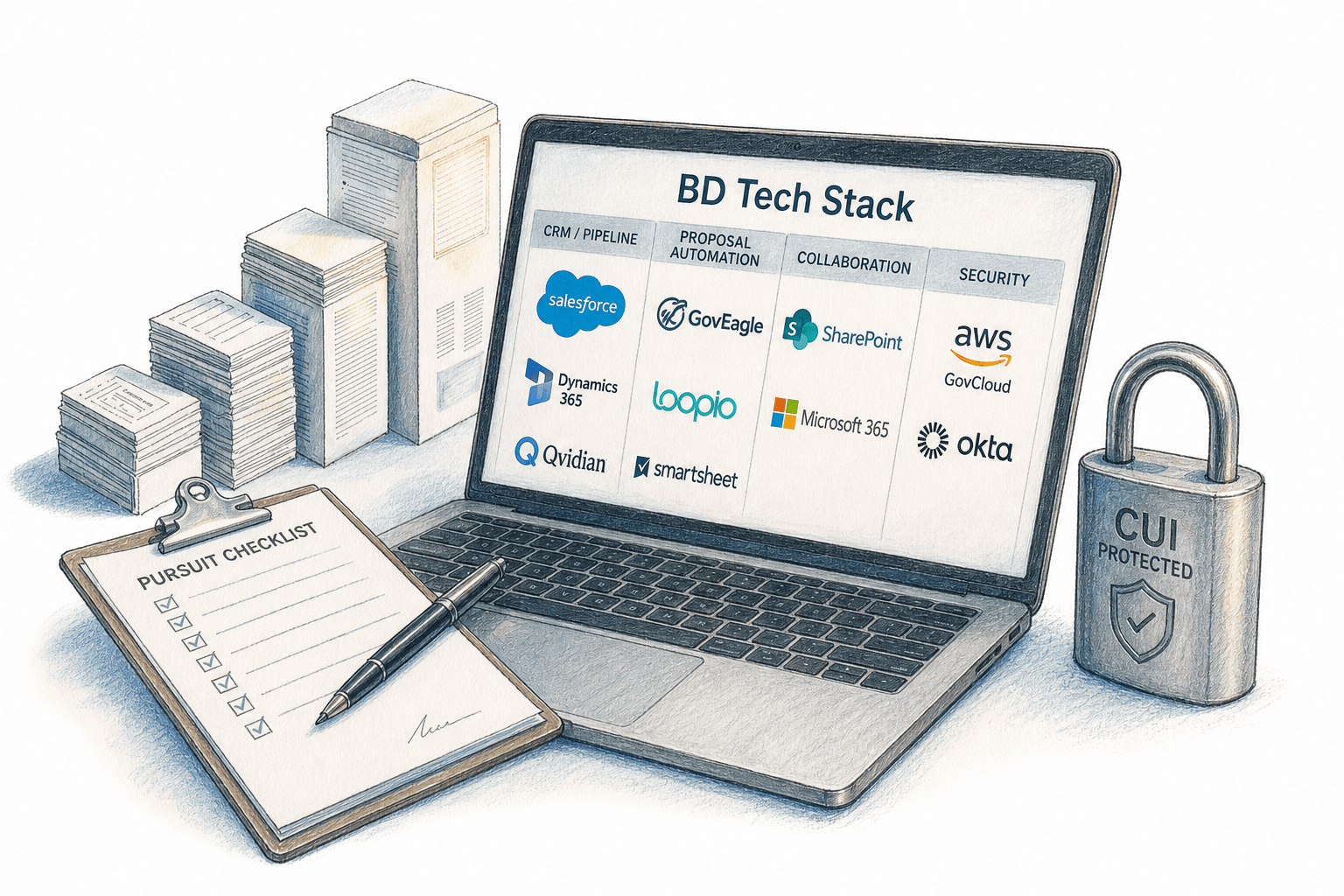
Building a BD tech stack that government contractors can rely on across the full pursuit lifecycle sounds straightforward until you're reformatting a compliance matrix export two days before deadline. The tools in this roundup were assessed on where they connect across the pursuit lifecycle and where they still leave you switching contexts. Six tools, clear trade-offs, one comparison table.
TLDR:
- A GovCon BD tech stack spans four layers: CRM/pipeline, proposal automation, collaboration, and security infrastructure.
- The stack breaks at handoffs, where capture intelligence in Salesforce never reaches the proposal workspace.
- Most tools in this roundup cover different parts of the pursuit lifecycle, with meaningful differences in how compliance matrices, proposal workflows, and Microsoft Office integration are implemented.
- Tool selection decisions for CUI-handling teams should account for each product's security boundary and FedRAMP posture, which differ across FedRAMP Moderate Equivalent and FedRAMP High environments as well as product-specific deployments.
- One end-to-end BD platform in this roundup covers bid/no-bid through color team review inside a single system with native Office integration and FedRAMP Moderate Equivalency on AWS GovCloud.
Get GovCon capture and proposal insights in your inbox.
What Is a BD Tech Stack for Government Contractors?
A BD tech stack is the set of tools a contractor runs across the full pursuit lifecycle, from pipeline tracking through proposal submission. In federal contracting, that stack typically spans four functional layers: a CRM or pipeline tool for opportunity management and capture notes, proposal automation software for drafting and compliance matrix generation, collaboration and document management for color team reviews, and security infrastructure that keeps CUI handling within required boundaries.
Where teams run into trouble is at the handoffs between layers. Capture intelligence sits in Salesforce and never reaches the proposal workspace. Compliance matrices get built in one tool and won't export cleanly to Excel. The stack is only as strong as those connections.
Best Overall BD Tech Stack Tool: GovEagle

GovEagle connects key stages of the pre-award pursuit lifecycle inside a single system, from bid/no-bid and capture through proposal development and color team review. Bid/no-bid analysis, capture deck automation, Excel-native compliance matrix generation, annotated Word outline creation, AI-assisted drafting, and push-button color team review reports all run without context-switching to a separate web interface.
GovEagle provides native add-ins across Word, Excel, and PowerPoint, so proposal teams draft and review inside the applications they already use. Compliance matrices are generated directly in Excel from Sections C, L, and M of the RFP, matching existing team templates instead of forcing a rebuild inside a proprietary view.
The capture-to-proposal connection closes the handoff gap that causes strategic context to go dark between BD and proposal teams. Salesforce and HubSpot integrations pull opportunity data and capture notes into proposal workspaces without manual re-entry. When a solicitation changes, amendment tracking automatically updates the compliance matrix and flags sections requiring revision. If closing that handoff gap is the primary friction point in your pursuit workflow, Book a Demo to see how GovEagle's capture-to-proposal integration and amendment tracking work inside your Office environment.
On security, GovEagle runs on AWS GovCloud with FedRAMP Moderate Equivalency controls, NIST 800-171 alignment, and support for GCC/GCC High environments and SCIF deployments for teams handling CUI.
GovDash
GovDash is a web-based BD solution covering opportunity discovery, pipeline tracking, capture management, proposal drafting, and post-award contract management in one system. Its compliance matrix generation and annotated outline creation run through an AI-powered workflow, and its Microsoft Office add-in brings GovDash capabilities directly into Word, Excel, and PowerPoint.
What They Offer
- AI-assisted proposal drafting with compliance matrix generation and annotated outline creation
- Opportunity discovery and pipeline tracking with capture management features
- Microsoft Office add-in for Word, Excel, and PowerPoint
- Post-award contract management and submission tracking
GovDash holds FedRAMP Moderate Equivalency, putting it at the same certification tier as GovEagle on that dimension.
The workflow gaps show up in Office integration depth. GovDash builds compliance matrices in its platform and supports exporting the full compliance package to Excel, including the outline, requirement mapping, Sections L/M/C extractions, shred checklist, and document shreds. GovDash offers a Microsoft Office add-in that integrates with Word, Excel, and PowerPoint. Its compliance matrix workflow is still managed through the GovDash platform, with matrices exportable to Excel for downstream review.
Good for teams that want consolidated opportunity tracking, capture, proposal drafting, and Microsoft Office integration across Word, Excel, and PowerPoint.
GovSignals
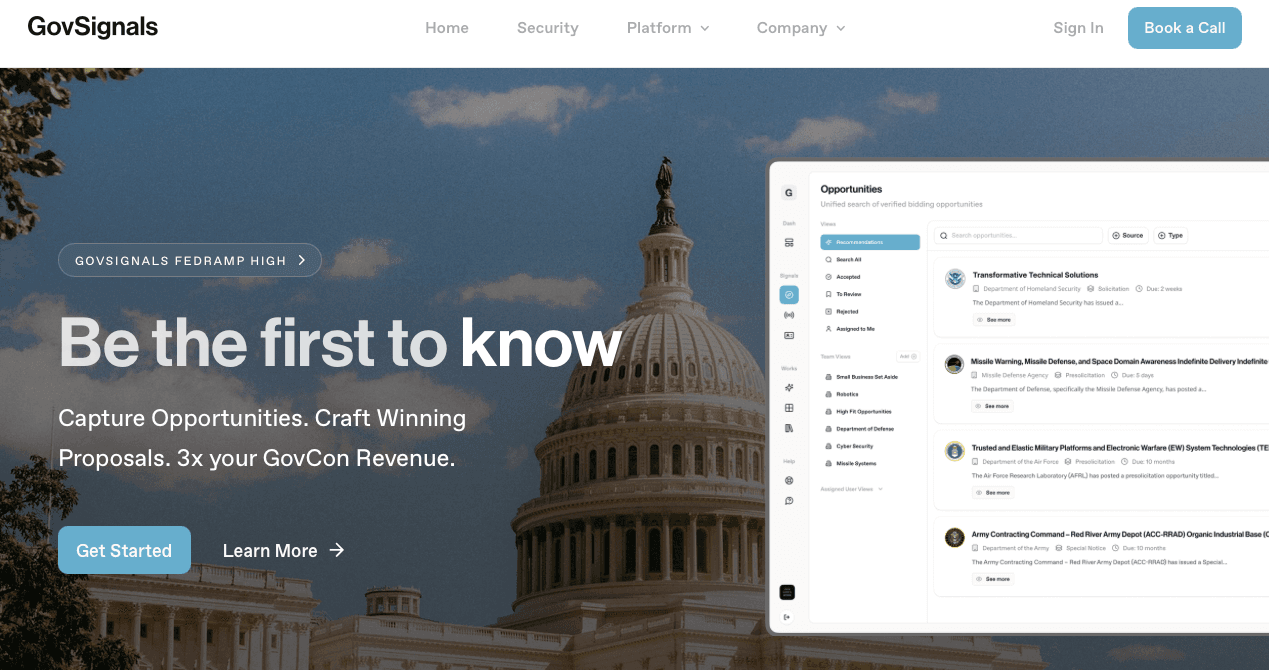
GovSignals covers pre-RFP intelligence, opportunity discovery, capture pipeline management, and proposal development in one system. In July 2026, GovSignals acquired Turingon, adding dedicated capture and proposal leadership to its team.
What They Offer
- Pre-RFP market intelligence drawing from federal budget signals, congressional transcripts, GAO decisions, and procurement data
- AI-assisted proposal drafting with compliance checking and content traceability
- Capture pipeline management with go/no-bid automation and pipeline CRM functionality
- FedRAMP High and DoD IL5 authorization, plus SOC 2 Type II certification with ITAR and CUI support
The compliance matrix workflow is worth flagging as a trade-off. GovSignals manages its workflows within its platform but generates native, editable Excel outputs for compliance matrices, BOEs, and pricing, as well as Word and PowerPoint deliverables built to customer templates and styles. GovSignals emphasizes native Word, Excel, and PowerPoint deliverables rather than an Office add-in workflow; teams should distinguish between native Office file output and editing directly through an add-in inside Microsoft Office.
Good for defense contractors and DoD-focused firms that regularly handle sensitive CUI and need government RFP response software running inside a FedRAMP High-authorized environment.
pWin.ai
pWin.ai was developed in partnership with Shipley Associates and applies that methodology directly to solicitation analysis, compliance matrix generation, and AI-assisted draft production across RFP and RFI workflows. Teams selecting proposal automation software for government contractors may find pWin.ai well suited to Shipley-aligned workflows. No manual prompt engineering is required to get structured outputs.
What They Offer
- Solicitation analysis and compliance matrix generation built on Shipley proposal methodology, giving teams a structured starting point without rebuilding the framework from scratch on each pursuit
- AI-assisted drafting for RFP and RFI responses with completeness, hallucination, and attribution reports for traceability
- Content export to Microsoft Word and Excel for downstream editing
The core trade-off is workflow architecture. pWin.ai operates as a web-first application, so drafting, review, and compliance work happen in a separate interface before content moves back into Word or Excel. pWin.ai states that its core cloud service offering has completed a 3PAO FedRAMP Moderate Equivalency assessment. Its government environment also supports CUI and operates within Azure Government and GCC High environments.
Good for proposal teams whose primary need is accelerating Shipley-aligned draft quality. pWin.ai offers a Word add-in for drafting within Microsoft Word, but there are no Excel or PowerPoint add-ins, so compliance matrix and presentation work stays outside the add-in workflow. pWin.ai also offers capture capabilities and a FedRAMP Moderate Equivalent environment for CUI-sensitive work.
AskSage
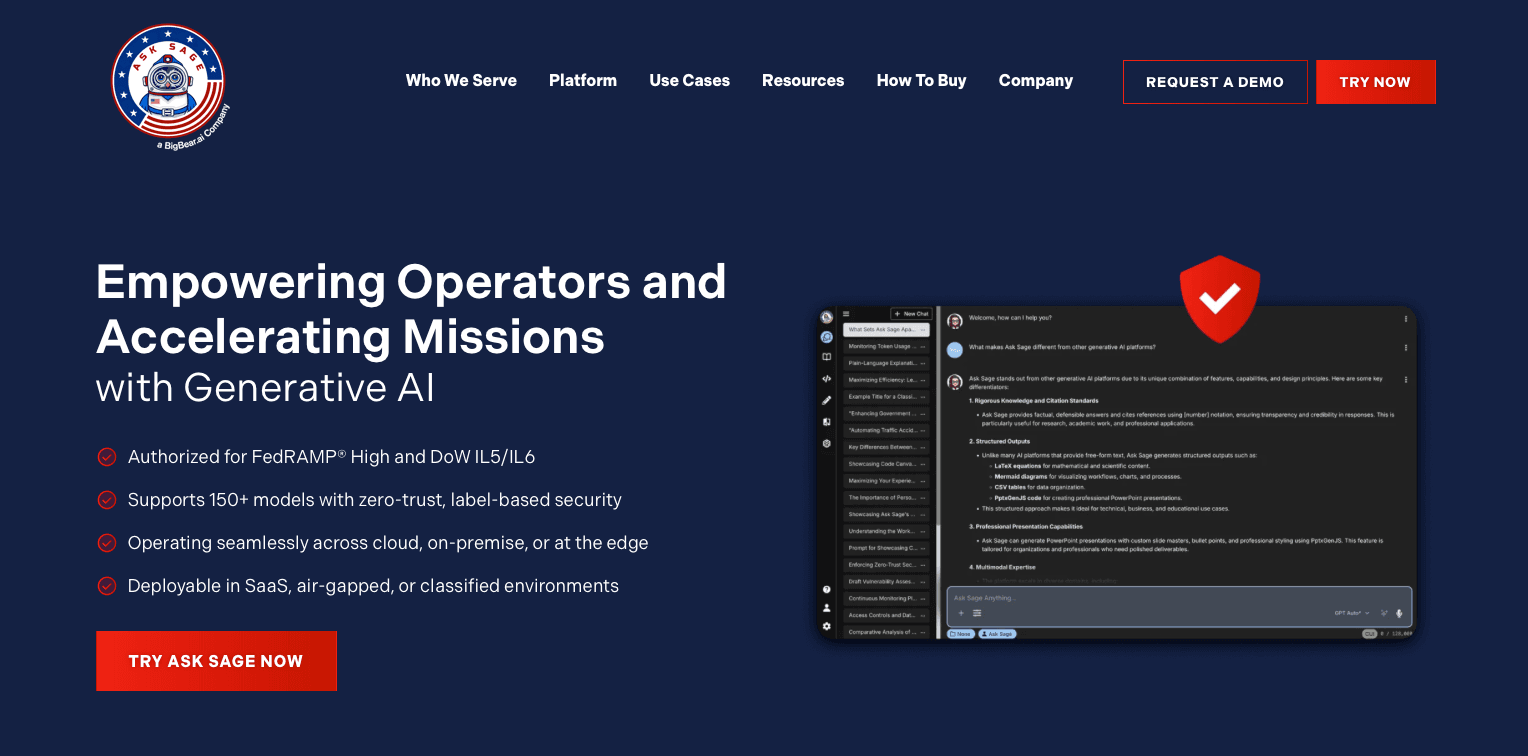
AskSage is a secure AI environment built for government and defense use, providing access to over 150 AI models with deployment options supporting FedRAMP High and DoD Impact Level 5 and 6 requirements. Its security posture is the highest in this roundup on that dimension.
What They Offer
- Secure access to 150-plus AI models across FedRAMP High, DoD IL5, and IL6 authorized environments
- Document ingestion, AI-assisted research and summarization, and natural language querying for CUI-sensitive programs
- Zero Trust and label-based access control for handling classified and sensitive data
- Government use cases including ATO support, compliance documentation, and data analysis
The trade-off is scope. AskSage does not include purpose-built proposal automation modules. There is no compliance matrix generation, annotated outline creation, amendment tracking, bid/no-bid analysis, or capture workflow management. No native Word, Excel, or PowerPoint add-ins are available, so proposal teams work outside their standard drafting environment.
Good for defense and intelligence-adjacent teams needing secure, flexible AI access across high-classification environments.
Unanet
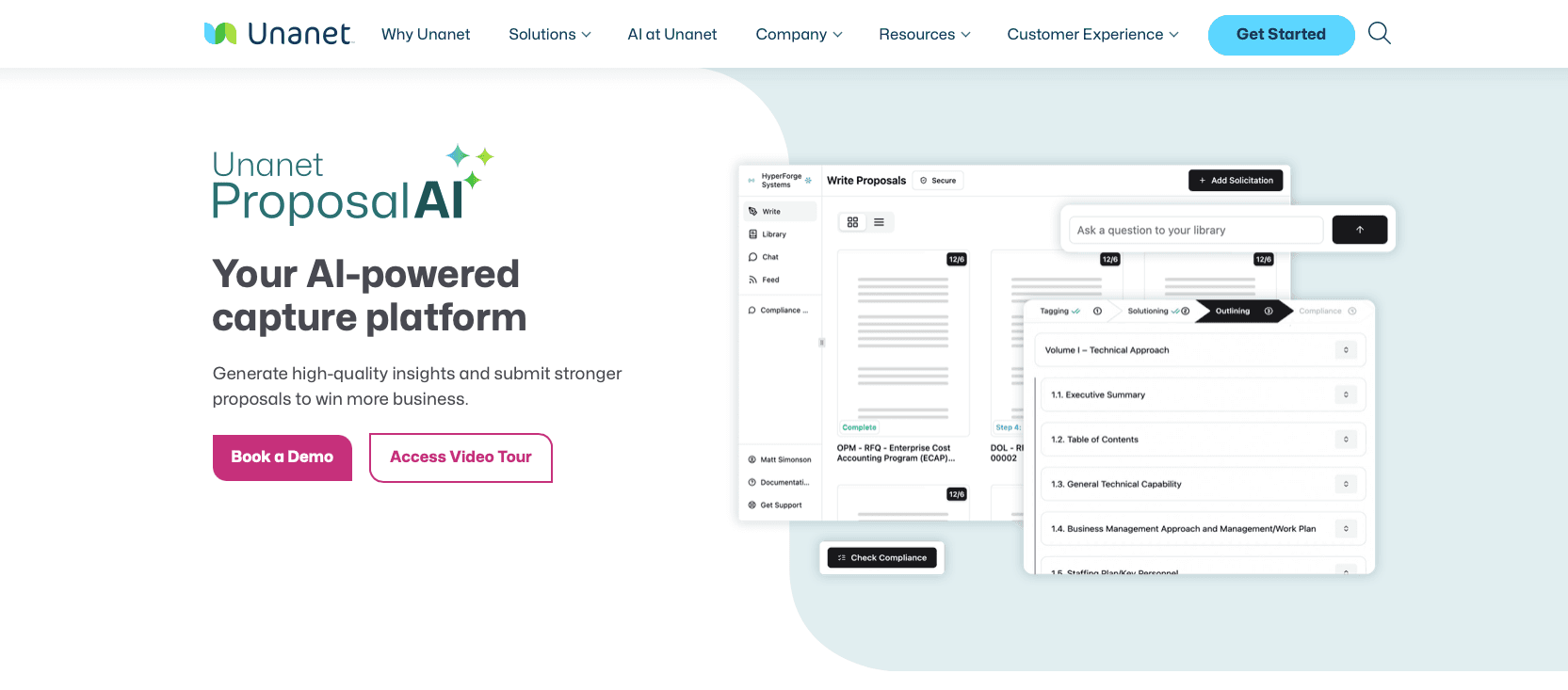
Unanet is a GovCon-specific ERP and CRM built around the idea that BD pipeline data and project financials belong in the same system. Where most tools in this roundup focus on proposal production, Unanet covers the broader back-office picture: project accounting, resource planning, contract management, and BD tracking running together.
What They Offer
- GovCon-specific CRM for pipeline and opportunity management tied directly to project accounting, so revenue forecasting reflects live contract data instead of spreadsheet estimates
- BD tracking with contact management, activity logging, and capture stage progression across the pursuit lifecycle
- Project management and resource planning connected to contract data, which helps BD leads assess bandwidth before committing to a pursuit
- Reporting and analytics across pipeline, revenue, and contract performance in a single environment
Unanet offers a FedRAMP Moderate Equivalent environment for specified products. There are also no native Word, Excel, or PowerPoint add-ins, so these proposal workflows are not embedded directly within the Microsoft Office applications.
Unanet fits contractors whose primary constraint is connecting BD pipeline data to project accounting across multiple active contracts. Unanet also offers ProposalAI for AI-assisted proposal development, including solicitation analysis, compliance workflows, outline generation, and drafting. Teams should evaluate how those capabilities integrate with their existing Office-based proposal workflow and which products fall within their required security boundary. Teams managing AI adoption across BD and proposal teams often face this integration challenge when ERP tools like Unanet anchor the back-office layer.
BD Tech Stack Tool Comparison
| Tool | AI-Assisted Drafting | Compliance Matrix Generation | Office Integration | FedRAMP / Security Posture |
|---|---|---|---|---|
| GovEagle | Yes | Excel-native (Word, Excel, PowerPoint add-ins) | Native Word, Excel, PowerPoint add-ins | FedRAMP Moderate Equivalency (AWS GovCloud); GCC/GCC High; SCIF support |
| GovDash | Yes | Web interface; export compatibility varies | Word, Excel, and PowerPoint add-in | FedRAMP Moderate Equivalency |
| GovSignals | Yes | Native editable Excel output; supports customer templates | No native Office add-ins | FedRAMP High; DoD IL5; SOC 2 Type II |
| pWin.ai | Yes (Shipley-aligned) | Web interface; exports to Word/Excel | Word add-in only (no Excel or PowerPoint add-ins) | FedRAMP Moderate Equivalency; Azure Government; GCC High; CUI support |
| AskSage | General AI (no proposal modules) | Not available | No native Office add-ins | FedRAMP High; DoD IL5 and IL6 |
| Unanet | Yes - ProposalAI | Available through ProposalAI | No native Office add-ins | FedRAMP Moderate Equivalent environment available for specified products |
Why GovEagle Is a Leading BD Tech Stack Tool for Government Contractors
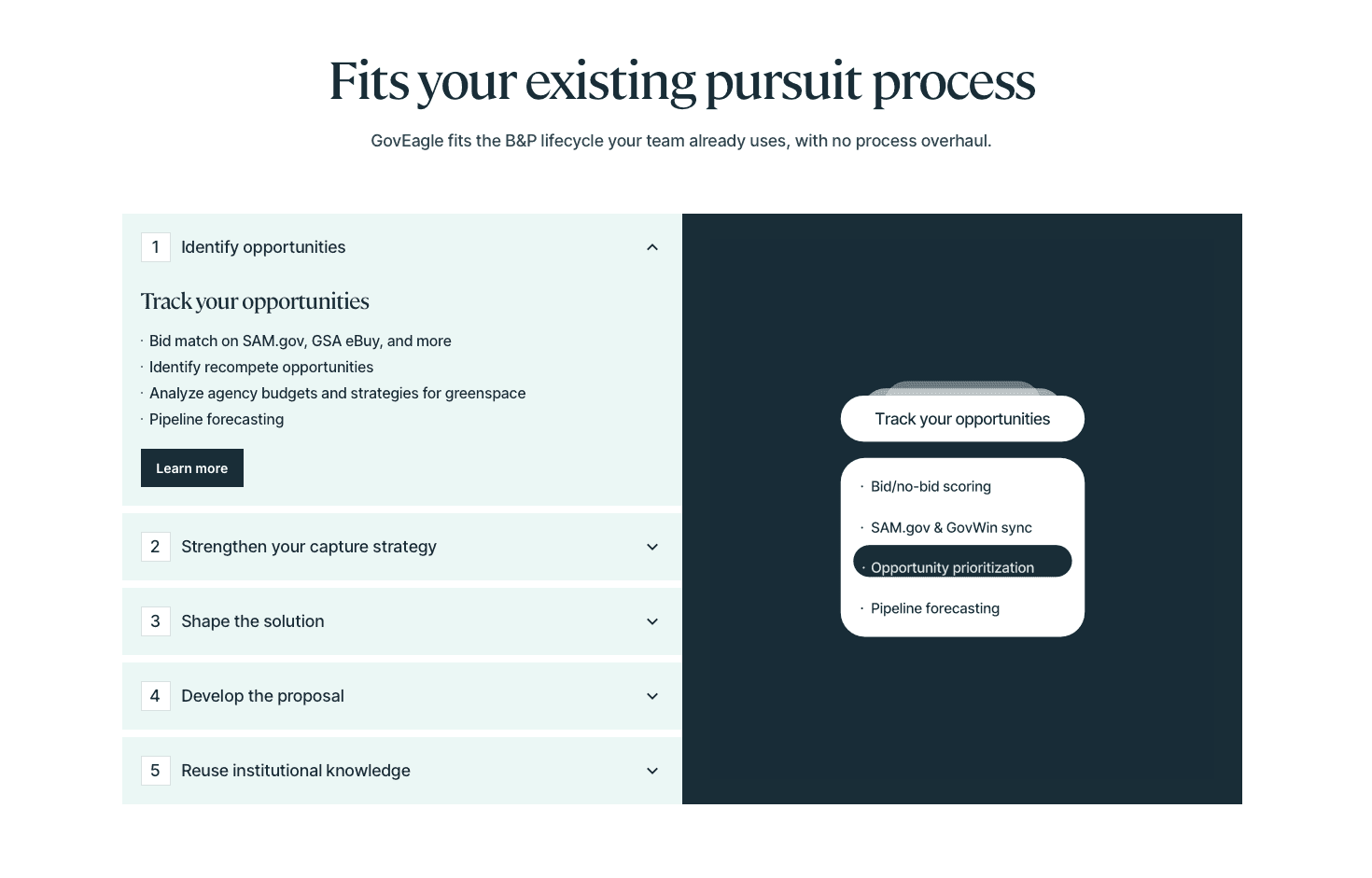
Teams lose time when those pieces require manual handoffs, template reformatting, or context-switching between web apps and Office documents. GovEagle unifies bid/no-bid analysis, Excel-native compliance matrix generation, annotated Word outline creation, AI-assisted drafting, and color team review automation inside a single system that runs natively across Word, Excel, and PowerPoint.
GovEagle's FedRAMP Moderate Equivalency, NIST 800-171 alignment, and GCC/GCC High support provide a security baseline that most general-purpose AI tools cannot match for teams handling CUI and CMMC-aligned contracts. Its zero-retention policy means proprietary proposal content and past performance data are never used to train shared models.
FAQs
How do I choose between GovEagle, GovDash, GovSignals, pWin.ai, AskSage, and Unanet for my BD tech stack?
Start by identifying your primary constraint: if it is proposal throughput and Office-native drafting, GovEagle fits that workflow directly; if it is pre-RFP market intelligence inside a high-authorization environment, GovSignals is worth a closer look; if it is connecting BD pipeline data to project financials, Unanet covers that layer. Map the tool to the layer of the stack where your team loses the most time before comparing features across the full list.
Is GovSignals or GovEagle better suited for defense contractors handling CUI?
GovSignals offers FedRAMP High and DoD IL5 authorization, while GovEagle has FedRAMP Moderate Equivalency with GCC/GCC High and SCIF support. Choose based on your security requirements and whether Office-native proposal workflows are a priority.
When should a growing small GovCon use AskSage versus GovEagle for proposal work?
AskSage fits teams whose primary need is secure, flexible AI access across high-classification environments where no purpose-built proposal modules are required. GovEagle fits teams that need an end-to-end capture-to-submission workflow covering bid/no-bid analysis, compliance matrix generation in Excel, annotated Word outlines, and color team review automation, running inside the Office applications where proposal work already happens.
Final Thoughts on Selecting BD Tech Stack Options for Government Contractors
Building a functional BD tech stack that government contractors can act on comes down to one question: where does intelligence go dark between stages? Every tool in this roundup covers part of the workflow well, and your choice should match where your team loses the most time. For teams where Office-native workflows, amendment tracking, and capture-to-proposal connection are the primary friction points, GovEagle is built to close those gaps directly, from bid/no-bid through final submission inside the Office environment where proposal work already happens. Request a demo to see how it fits your pursuit workflow.